
Automatic bill tracking is defined as a system that uses software to monitor, organize, and pay recurring bills without requiring manual input for each transaction. The role of automatic bill tracking goes far beyond convenience. Payment history accounts for 35% of your FICO score, meaning a single missed payment can drop your credit score by 60–110 points. Late fees on credit cards and utilities typically cost $25–$40 per incident, which adds up to nearly $1,000 in wasted spending each year. Tools like Monarch Money, Empower, and Rocket Money have made personal finance automation accessible to anyone with a smartphone and a bank account.
What is the role of automatic bill tracking in personal finance?
Automatic bill tracking is the practice of using bill management software or apps to detect recurring charges, schedule payments, and alert you before due dates. The industry term for the broader category is automated billing solutions, which covers everything from simple reminder apps to full autopay systems connected directly to your bank.
The core function is replacing human memory with a consistent, rules-based process. You connect your bank accounts and credit cards to an app, and the software identifies recurring transactions automatically. From there, it builds a payment calendar, flags upcoming due dates, and either sends you a reminder or initiates the payment itself.

This matters because most people manage 10 or more recurring bills each month. Rent, utilities, streaming subscriptions, insurance, loan payments, and credit cards all have different due dates. Keeping track of all of them manually is where mistakes happen.
How does automatic bill tracking work?
Most bill tracking apps operate through one of two methods: read-only account syncing or direct payment authorization.
Read-only syncing connects to your bank and credit card accounts through secure data aggregators. The app reads your transaction history, identifies recurring charges, and builds a bill calendar. Monarch Money and Zumfi both use this approach, offering calendar views and price alert features that flag when a subscription increases in price or a new recurring charge appears.
Direct payment authorization goes one step further. You grant the app or your bank permission to initiate payments on your behalf. This is how traditional bank autopay works, and it is also how apps like Empower and Rocket Money handle bill payments.
Here is a breakdown of the key features to look for:
- Due date calendar: Displays all upcoming bills in one view so you can plan cash flow around paydays
- Price increase alerts: Notifies you when a recurring charge goes up, which is common with streaming services and insurance renewals
- Insufficient funds warnings: Checks your account balance before a payment is scheduled and alerts you if funds are low
- Subscription detection: Scans transaction history to surface recurring charges you may have forgotten about
- Payment scheduling: Lets you set payment dates that align with your paycheck deposits
The difference between a reminder-only system and a fully automated one is significant. Reminder apps tell you a bill is due. Automated systems pay it for you. Both have a place in a healthy financial setup, and the right choice depends on how much control you want to maintain.
What are the benefits and risks of automatic bill tracking?
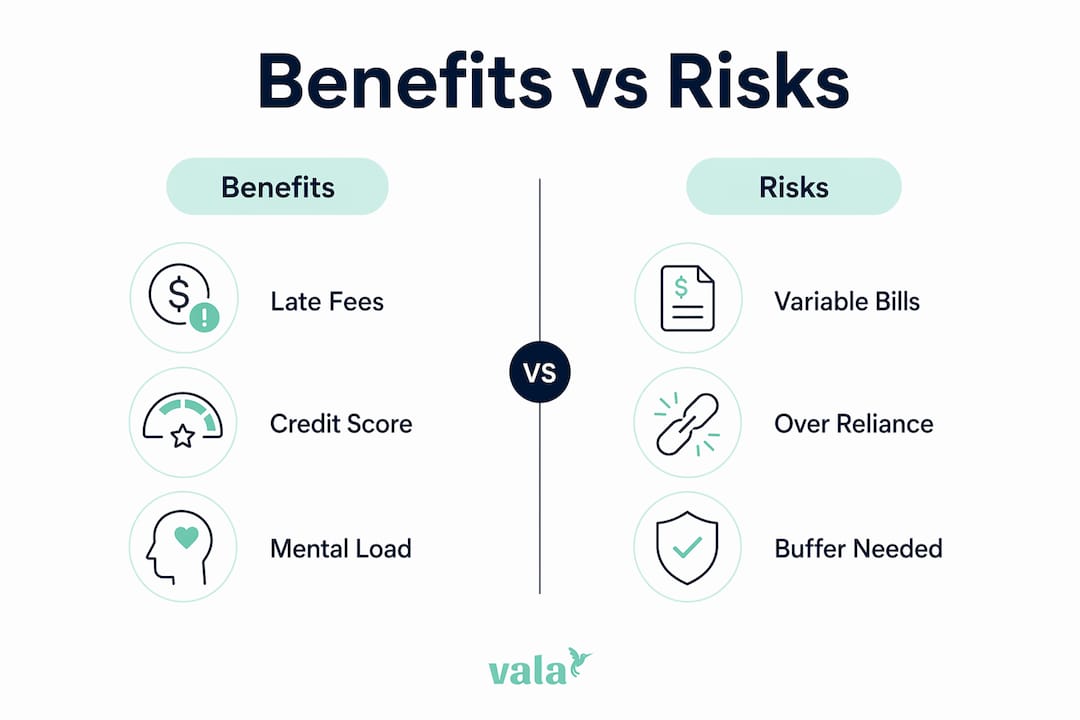
The benefits of automatic bill tracking are concrete and measurable. The risks are real too, but manageable with the right setup.
Key benefits
Late fee elimination is the most immediate win. At $25–$40 per missed payment, even avoiding two or three late fees per year pays for most premium app subscriptions. Over a full year of consistent misses, the savings can reach close to $1,000.
Credit score protection is the longer-term benefit. Because payment history drives 35% of your FICO score, consistent on-time payments are one of the most reliable ways to build or maintain good credit. Automation removes the human error that causes most missed payments.
Mental load reduction is underrated. Automating bills frees mental energy that you would otherwise spend remembering due dates, logging into portals, and worrying about whether a payment went through. That freed attention can go toward budgeting, saving, or investing instead.
Risks to watch
Automating variable bills without monitoring is the most common mistake. Utility bills, phone bills, and insurance premiums can change month to month. If your balance is tight and a bill comes in higher than expected, automating variable bills without monitoring can trigger an overdraft and a fee that wipes out the savings you were trying to protect.
Over-reliance on automation is the other risk. Some users set up autopay and never check their accounts again. Subscriptions accumulate, prices increase, and billing errors go unnoticed for months.
Pro Tip: Keep at least one month’s worth of fixed expenses as a buffer in your checking account. This single habit prevents the majority of overdraft issues that come from automated payments hitting before your paycheck clears.
Financial experts recommend a hybrid automation strategy: automate fixed, predictable expenses completely, and keep variable expenses on minimum autopay or manual control. This gives you the reliability of automation without the blind spots.
How to set up automatic bill tracking effectively
Setting up a system that works requires more than downloading an app and connecting your bank. Follow these steps to build a setup that protects you from overdrafts and missed payments.
-
List every recurring bill. Write down every monthly charge: rent or mortgage, utilities, insurance, subscriptions, loan payments, and credit card minimums. Include the amount, due date, and whether the amount is fixed or variable.
-
Categorize bills as fixed or variable. Fixed bills like rent and loan payments are safe to automate fully. Variable bills like electricity and phone plans need monitoring before you automate them.
-
Connect your accounts to a tracking app. Use a tool like Monarch Money, Empower, or Valapoint to sync your bank and credit card accounts. The app will detect most recurring charges automatically.
-
Set up autopay for fixed bills. Use your bank’s autopay feature or the biller’s own portal for fixed expenses. Schedule payments two to three days after your paycheck deposits to avoid timing mismatches.
-
Set reminders for variable bills. For bills that change month to month, use app alerts to notify you three to five days before the due date. Review the amount before it processes.
-
Build a cash buffer. Maintain at least one month’s worth of bill payments in your checking account. This buffer method safeguards against timing mismatches with paychecks and prevents overdrafts.
-
Schedule a monthly review. Spend 15 minutes each month checking your bill calendar. Look for price increases, new subscriptions, and any charges that look unfamiliar.
Pro Tip: Align your payment due dates with your paycheck schedule whenever possible. Most billers will let you change your due date with a single phone call or online request. This one change eliminates most cash flow timing problems.
Understanding budget and spending before relying on automation is critical. Automation enforces structure, but it cannot fix a budget that does not have enough room for all your bills. Know your numbers first.
Which automatic bill tracking tools are worth using?
The right tool depends on whether you want reminders only, full autopay, or a complete personal finance dashboard. Here is a comparison of the most widely used options.
| App | Cost | Key features | Best for |
|---|---|---|---|
| Monarch Money | $14.99/month | Bill calendar, subscription tracking, AI analysis | Full financial dashboard users |
| Empower | Free (investing features extra) | Bill tracking, net worth, cash flow alerts | Users who want free core features |
| Rocket Money | Free or $6–$12/month | Bill negotiation, cancellation, autopay | Subscription management focus |
| Zumfi | Free | Price alerts, recurring charge detection | Simple bill monitoring |
A few factors matter beyond the feature list:
- Bank integration: The app needs to connect reliably to your specific bank and credit card accounts. Check compatibility before committing.
- Security: Look for apps that use bank-level 256-bit encryption and read-only access for syncing. Direct payment features require a higher level of trust.
- Interface clarity: A bill calendar you will actually check is more valuable than a feature-rich app you find confusing.
For a deeper look at how these apps compare across budgeting and expense categories, the best budgeting and tracking apps guide covers the full landscape. You can also explore how AI detects spending patterns to understand what the smarter apps are doing behind the scenes.
The benefits of automated expense tracking extend beyond bills alone. The best tools connect bill tracking to your broader budget so you can see how fixed obligations affect what you have left for savings and discretionary spending.
Key takeaways
Automatic bill tracking works best when it combines full automation for fixed bills with active monitoring for variable ones.
| Point | Details |
|---|---|
| Payment history is critical | 35% of your FICO score depends on on-time payments, making automation a credit protection tool. |
| Late fees add up fast | Missing payments costs $25–$40 per incident, reaching nearly $1,000 annually without a system. |
| Use a hybrid approach | Automate fixed bills fully and monitor variable bills manually to prevent overdrafts. |
| Build a cash buffer | Keep one month of bill expenses in checking to protect against timing mismatches. |
| Review monthly | Spend 15 minutes each month checking for price increases, new charges, and billing errors. |
Automation is a tool, not a substitute for knowing your finances
I have worked with enough personal finance setups to say this clearly: automation is only as good as the financial foundation underneath it. People who set up autopay before they understand their cash flow often discover the problem the hard way, through an overdraft notice or a credit card balance that crept up while they were not looking.
The mental energy freed by automation is real and valuable. But that energy needs to go somewhere productive. The best users of bill automation are not the ones who forget about their finances. They are the ones who use automation to handle the routine so they can focus on the decisions that actually build wealth.
My honest recommendation: start with a read-only tracking app before you turn on any autopay. Spend one month just watching where your money goes and when bills hit. Then automate the fixed bills you fully understand, and keep your hands on the variable ones until you have seen enough months of data to trust the pattern.
Personal finance automation benefits are real across every age group, but they compound fastest for people who treat automation as a monitoring system, not a hands-off solution. The goal is confident control, not passive delegation.
— SaverStride
Take control of your bills with Valapoint
Valapoint is an AI-powered personal finance app that brings your bills, budget, and savings goals into one clear view. You can sync your bank accounts and credit cards, track recurring expenses automatically, and get alerts before payments are due.
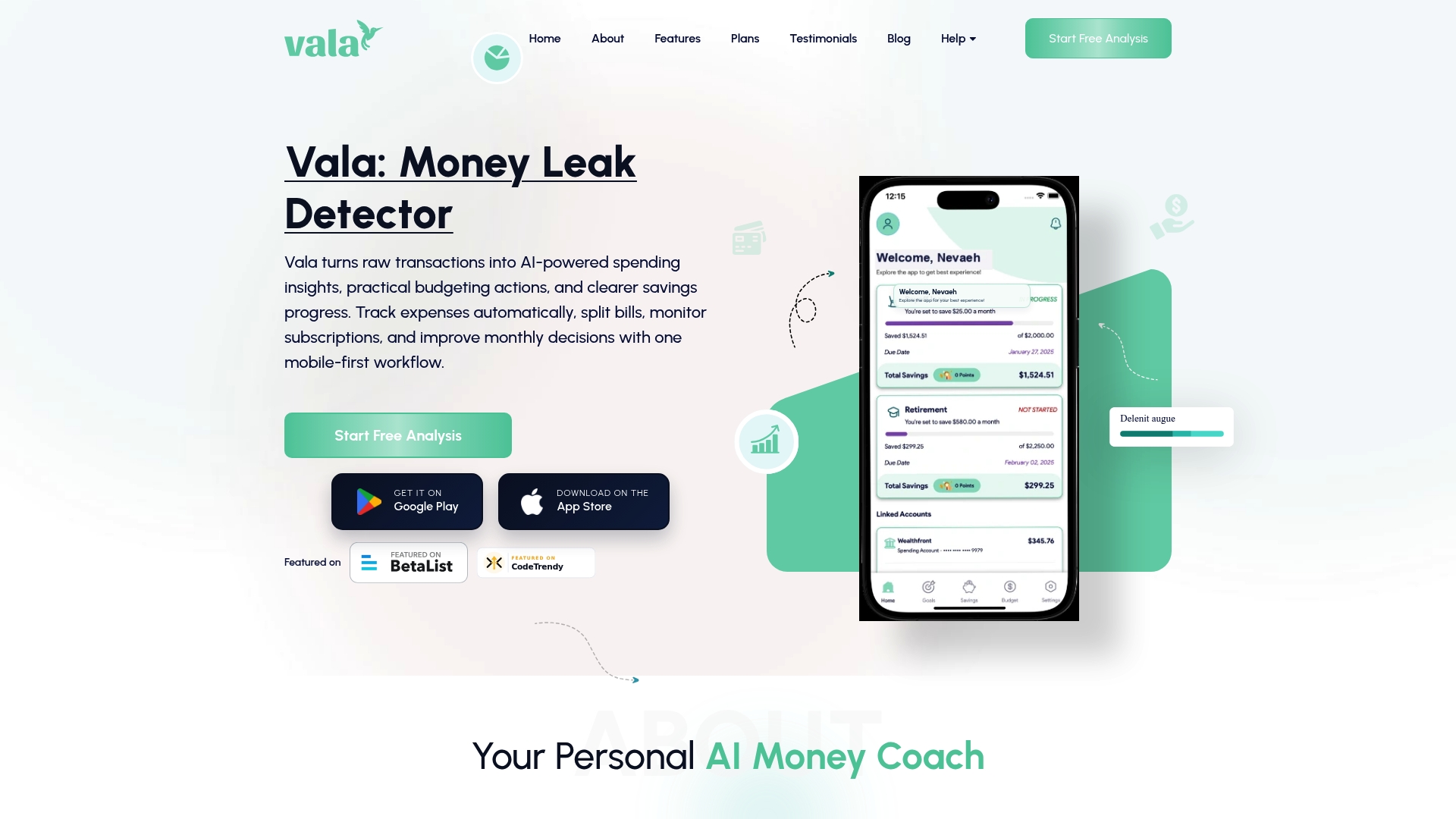
Valapoint goes beyond basic bill reminders. The app surfaces hidden spending patterns, flags subscriptions you may have forgotten, and connects your bill tracking to your broader budget so you always know where you stand. Whether you are managing finances solo, as a couple, or in a group, Valapoint gives you the clarity to stay ahead of every payment. Try the Vala personal finance app and see how much easier managing monthly bills can be.
FAQ
What is automatic bill tracking?
Automatic bill tracking is a system that uses software to detect recurring charges, organize due dates, and either remind you to pay or initiate payments automatically. It replaces manual bill management with a consistent, technology-driven process.
How does automatic bill tracking protect your credit score?
Payment history accounts for 35% of your FICO score. Automating bill payments removes the human error that causes missed payments, which can drop your score by 60–110 points per incident.
What is the biggest risk of automating bill payments?
The biggest risk is automating variable bills without monitoring your account balance. If a bill comes in higher than expected and your balance is low, the payment can trigger an overdraft fee.
Should I automate all my bills at once?
No. Start by automating fixed, predictable bills like rent and loan payments. Keep variable bills like utilities on manual review until you have enough monthly data to understand the typical range.
How often should I review my automated bill setup?
A monthly review of 15 minutes is enough for most people. Check for price increases, unfamiliar charges, and any bills that processed at unexpected amounts.