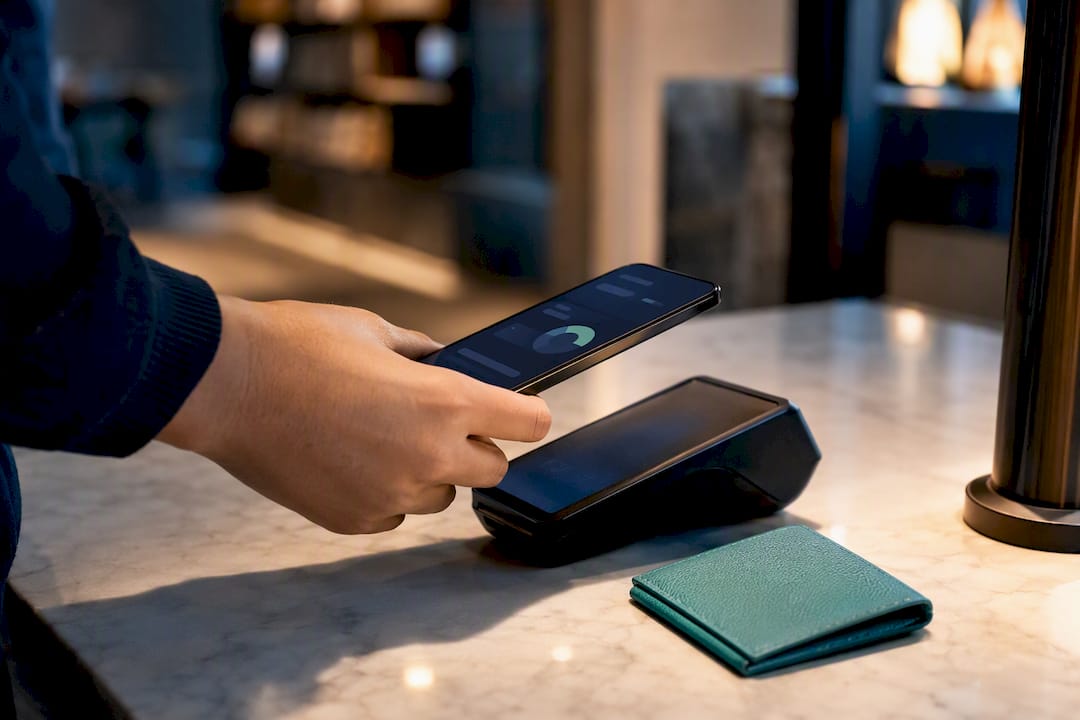
A budget threshold is a predefined spending limit that triggers an alert, a review, or a hard stop when your expenses approach or exceed a set boundary. Financial planners use the term “spending control limit” interchangeably with budget threshold, but both describe the same core mechanism. Common threshold markers include 50%, 80%, 90%, and 100% of a total budget. These percentages give you early signals before money runs out, not after. For young professionals building financial habits, understanding budget thresholds is the single most practical step toward consistent expense control.
What is a budget threshold and how does it work?
A budget threshold is a specific dollar amount or percentage of your budget that, once reached, prompts a defined action. That action can be a notification, a spending pause, or a self-check conversation with yourself about whether the next purchase is worth it. The threshold itself does not spend money or block your card. It creates a decision point.

Think of your monthly grocery budget set at $400. You configure a threshold at 80%, which equals $320. When your grocery spending hits $320, you receive an alert. You still have $80 left, which gives you time to adjust before you overspend, not after. That early warning is the entire value of the system.
Budget thresholds operate in two modes:
- Soft limits send a warning but allow spending to continue. A notification at 80% of your dining budget is a soft limit. You can still swipe your card.
- Hard limits stop spending entirely. Some budgeting apps let you lock a category once it hits 100%, preventing any further charges from being logged or approved.
Soft limits work well for discretionary categories like entertainment or clothing, where flexibility matters. Hard limits fit fixed goals like a vacation fund or an emergency savings target, where you cannot afford to dip below the line.
Common types and examples of budget thresholds
Budget thresholds apply across every spending category, from rent to coffee. The key is matching the threshold type to the category’s priority level.
| Category | Monthly Budget | Alert Threshold (80%) | Hard Stop (100%) |
|---|---|---|---|
| Groceries | $400 | $320 | $400 |
| Dining out | $200 | $160 | $200 |
| Transportation | $150 | $120 | $150 |
| Entertainment | $100 | $80 | $100 |
| Savings contribution | $300 | $240 | $300 |
Percentage-based thresholds are the most common format. Setting alerts at 80%, 90%, and 100% of your budget creates a tiered warning system. The 80% alert gives you room to course-correct. The 90% alert signals urgency. The 100% alert confirms you have hit your limit.
Dollar-based thresholds work better for fixed expenses. If your electricity bill averages $90 per month, a threshold of $110 flags any unusual spike immediately. You do not need a percentage when the number itself is the signal.
Pro Tip: Review your last three months of bank statements before setting any threshold. Your real spending patterns, not your ideal ones, should anchor your starting numbers. Thresholds built on wishful thinking get ignored within two weeks.
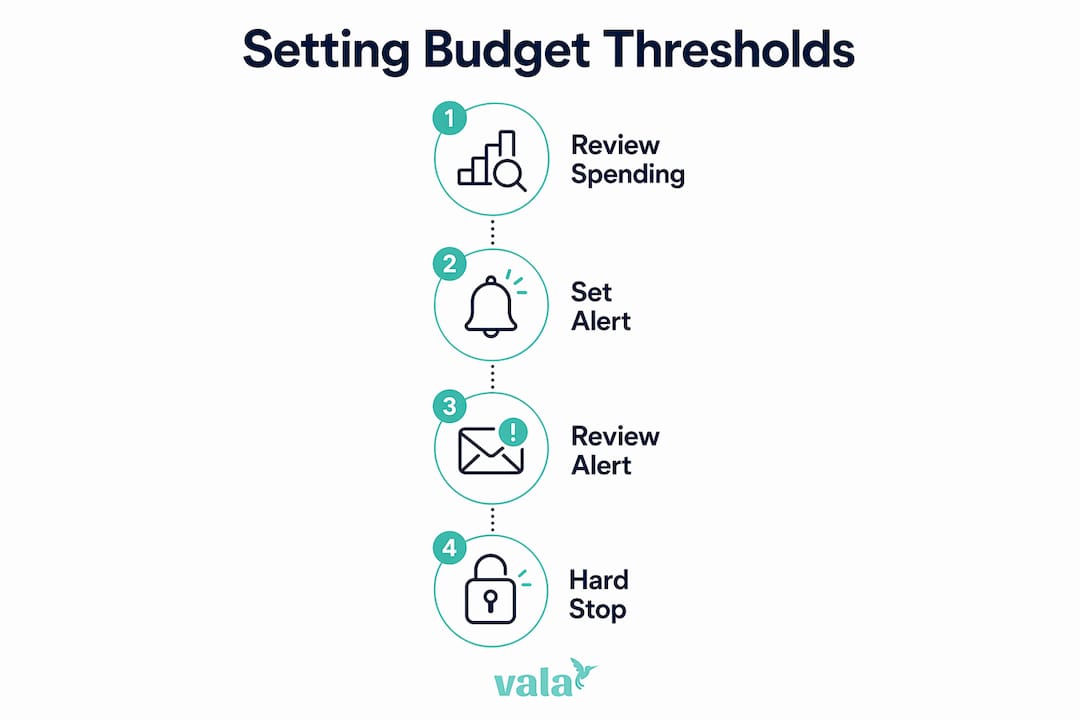
Alert types also vary by purpose. A warning alert at 80% is informational. A review alert at 90% prompts you to check remaining spending for the month. A hard stop at 100% blocks further allocation in that category. Matching the alert type to the category’s flexibility level keeps the system useful without feeling punishing.
Why budget thresholds matter for financial control
Budget thresholds prevent the most common personal finance failure: spending money you did not realize was gone. Without a threshold, you discover the problem at the end of the month when the damage is done. With a threshold, you catch it mid-month when you can still change behavior.
The early-warning function builds financial accountability. When you know a $160 dining alert is coming, you think twice about a $45 dinner on the 20th of the month. That pause is the threshold doing its job. It does not restrict your freedom. It makes the cost of a choice visible before you make it.
Budget thresholds function best as triggers for review and discussion rather than rigid cut-offs. They require assessment of contextual financial factors to remain effective. Sole reliance on a threshold number can legitimize poor spending choices when the underlying expense type is not examined.
Source: Resource allocation decision-making insights00413-9)
Poorly set thresholds create their own problems. Setting thresholds too tight causes alert fatigue, where you receive so many notifications that you start ignoring all of them. A threshold set too high, say at 99% of budget, gives you almost no reaction time. Both extremes undermine the system.
Thresholds must be regularly adjusted to reflect changes in income, inflation, and personal goals. A grocery threshold that worked at $320 in january may need to move to $360 by july if food prices rise. Treating thresholds as permanent settings is the fastest way to make them irrelevant.
How to set effective budget thresholds for your finances
Setting a budget threshold that actually works takes four steps. Each step builds on the last, and skipping any one of them produces a threshold that looks good on paper but fails in practice.
-
Categorize your expenses. Separate your spending into fixed costs (rent, utilities, loan payments), variable necessities (groceries, transportation), and discretionary spending (dining, subscriptions, entertainment). Fixed costs rarely need thresholds because they do not fluctuate. Variable and discretionary categories are where thresholds earn their value.
-
Set your baseline numbers. Pull three months of actual spending data for each variable category. Calculate the average. That average becomes your budget for the category. Do not set a budget below your real average unless you have a specific plan to reduce spending in that area.
-
Choose your threshold percentages. Start with an 80% alert for all discretionary categories. Add a 90% review prompt for any category where you have overspent in the past. Apply a hard stop at 100% for savings goals and debt payments. This tiered structure gives you balanced financial oversight without drowning you in notifications.
-
Automate the tracking. Manual tracking works for about two weeks before life gets in the way. Automated expense tracking connects your real transactions to your budget categories in real time, so your thresholds fire when they should, not when you remember to update a spreadsheet.
Pro Tip: Set a monthly calendar reminder to review your thresholds. Spending habits shift with seasons, job changes, and life events. A threshold review takes ten minutes and keeps your system accurate.
A common pitfall is setting thresholds too high or failing to communicate them to yourself as a consistent rule. If you set an 80% grocery alert and then override it every single month without adjusting the budget, the threshold is not working. Either your budget is too low or your spending habit needs attention. The threshold reveals which problem you actually have.
Spending patterns detected by AI can also surface categories where you consistently breach thresholds without realizing it. These hidden leaks are exactly what a well-set threshold system is designed to catch.
Key Takeaways
A budget threshold is a predefined spending limit that triggers alerts, reviews, or hard stops to keep your finances on track before overspending occurs.
| Point | Details |
|---|---|
| Core definition | A budget threshold is a set percentage or dollar limit that triggers a financial action when reached. |
| Tiered alert structure | Set alerts at 80%, 90%, and 100% of budget to balance early warnings with avoiding alert fatigue. |
| Soft vs. hard limits | Use soft limits for flexible categories and hard stops for savings goals or fixed financial targets. |
| Regular adjustment | Review and update thresholds monthly to reflect income changes, inflation, and shifting spending habits. |
| Automation improves accuracy | Automated tracking connects real transactions to thresholds, so alerts fire on time without manual effort. |
Thresholds are guides, not gatekeepers
Here is what most personal finance articles get wrong about budget thresholds: they frame them as restrictions. You set a limit, you hit the limit, you feel bad. That framing makes people abandon the system within a month.
The thresholds I have found most useful are the ones set slightly below your comfort zone, not at the edge of your actual limit. If you genuinely spend $200 on dining every month, a threshold at $160 does not punish you. It starts a conversation with yourself two weeks before the end of the month. That conversation is the point.
The other thing worth saying plainly: a threshold you ignore is not a threshold. It is a number you wrote down once. The expense tracking practices that stick are the ones tied to a real consequence, even a small one, like transferring $20 to savings every time you breach a discretionary limit. The threshold becomes a habit loop, not a guilt trip.
Flexibility matters too. Life changes. A threshold that fit your budget at 23 will not fit at 27 when your rent, income, and priorities have all shifted. Build in a quarterly review as a non-negotiable. Treat it like a financial check-in, not a chore. The goal is a system that grows with you, not one you outgrow and abandon.
— SaverStride
Valapoint makes budget threshold management clear
Knowing what a budget threshold is and actually tracking one in real life are two different challenges. Valapoint’s budget goal tracker gives you a single place to set spending limits, configure tiered alerts, and watch your progress in real time.
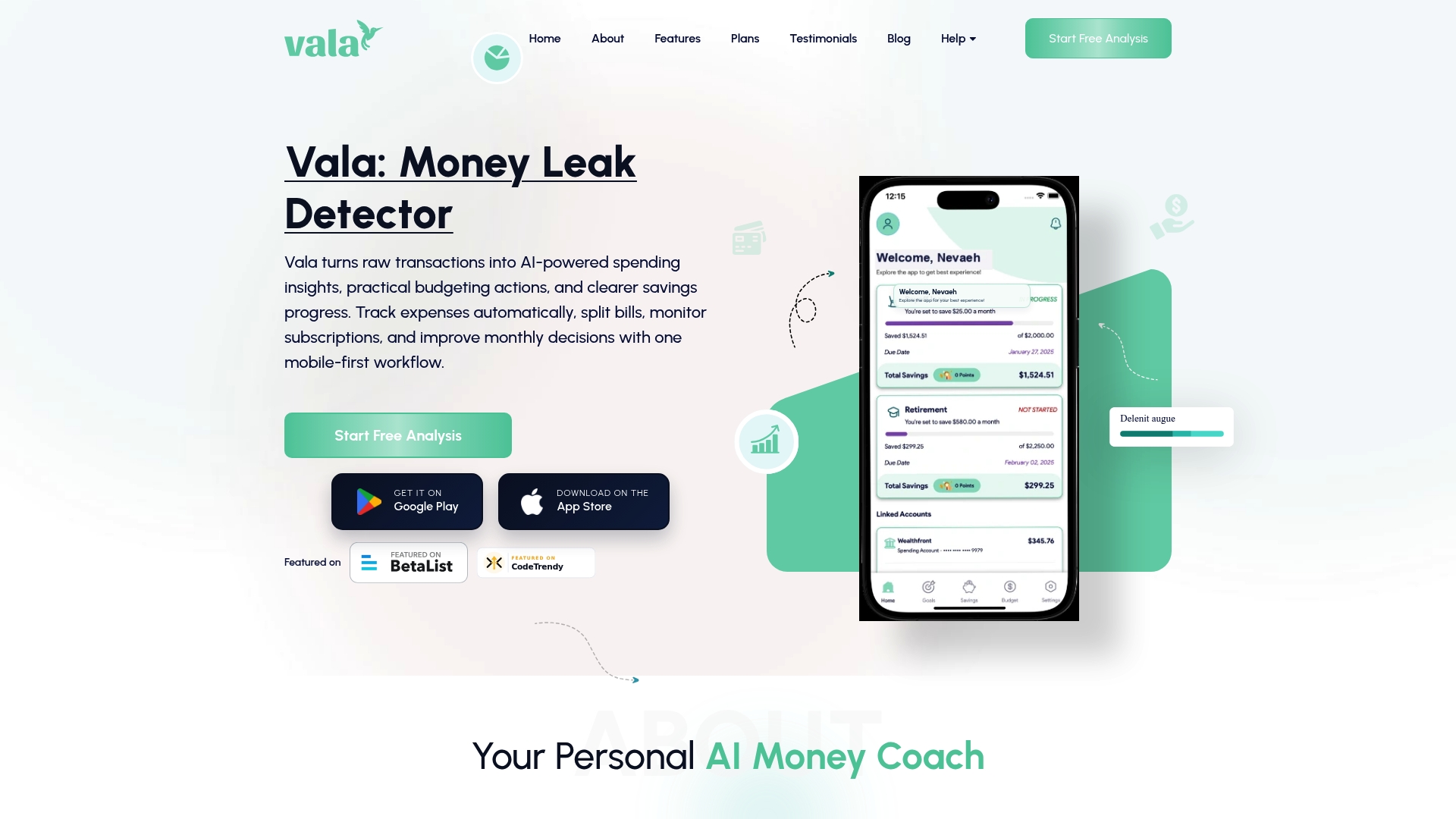
Valapoint connects to your actual spending, categorizes transactions automatically, and fires alerts when you hit your chosen thresholds, whether that is 80% of your grocery budget or 100% of your entertainment limit. The budget tracking app is built for young professionals who want clear numbers without hours of manual entry. Set your thresholds once, let Valapoint track them, and spend your energy on decisions that matter.
FAQ
What is a budget threshold in simple terms?
A budget threshold is a spending limit you set within a category that triggers an alert or action when reached. It helps you catch overspending before it happens, not after.
What percentage should I set my budget threshold at?
Professionals recommend starting with an 80% alert, a 90% review prompt, and a 100% hard stop for each budget category. This tiered approach gives you time to adjust without creating alert fatigue.
What is the difference between a soft limit and a hard limit?
A soft limit sends a warning but allows spending to continue. A hard limit stops further spending in that category once the threshold is reached.
Do I need a budget threshold for every expense?
Fixed expenses like rent do not need thresholds because they do not change. Variable and discretionary categories, such as groceries, dining, and entertainment, benefit most from threshold controls.
How often should I update my budget thresholds?
Thresholds should be adjusted regularly to reflect inflation, income changes, and shifts in spending habits. A monthly or quarterly review keeps your limits accurate and useful.