
Tracking group spending in real time is the process of recording shared expenses the moment they happen, so every member of your group sees updated balances instantly. Whether you are splitting a hotel room, covering a group dinner, or managing costs across a weekend trip, real-time expense tracking removes the guesswork from shared money. Apps like Splitwise, Trispend, and Divide-and-Conquer make this possible by pushing balance updates to every device the second an expense is added. The result is fewer arguments, faster settlements, and a group that stays on budget together.
What tools and apps let you track group spending in real time?
Real-time group expense tracking works through a specific technical process. When one person logs an expense, the app instantly pushes that update to every group member’s device, recalculates balances, and sends a notification. No one has to refresh the screen or wait for a manual update. The industry term for this is collaborative expense management, and the best apps for expense tracking are built around it.

Splitwise
Splitwise is the most widely recognized group spending management tool for friends and roommates. It syncs with Venmo so every member can see exactly who owes whom at any time. Splitwise handles bill management, recurring expenses, and multi-person splits without requiring everyone to pay upfront.
Trispend
Trispend is built for groups that travel internationally. It supports 150+ currencies with automatic real-time exchange rate conversion, which means your group balances stay accurate even when you are paying in euros one day and yen the next. Trispend also offers equal, custom amount, and share-based split modes, covering almost every real-world scenario.
Divide-and-Conquer
Divide-and-Conquer is an open-source app built specifically for real-time group expense sharing. Its architecture uses WebSocket-based real-time syncing to push expense changes to all group members the moment they occur. It also includes scheduled reminders and instant notifications when any transaction or settlement changes.
Feature comparison
| Feature | Splitwise | Trispend | Divide-and-Conquer |
|---|---|---|---|
| Real-time sync | Yes | Yes | Yes (WebSocket) |
| Multi-currency support | Limited | 150+ currencies | Depends on setup |
| Split modes | Equal, custom | Equal, amount, share | Equal, custom |
| Payment app integration | Venmo | Not listed | Not listed |
| Reminders and notifications | Yes | Yes | Yes (scheduled) |
| Cost | Free / paid tiers | Free / paid tiers | Free (open source) |
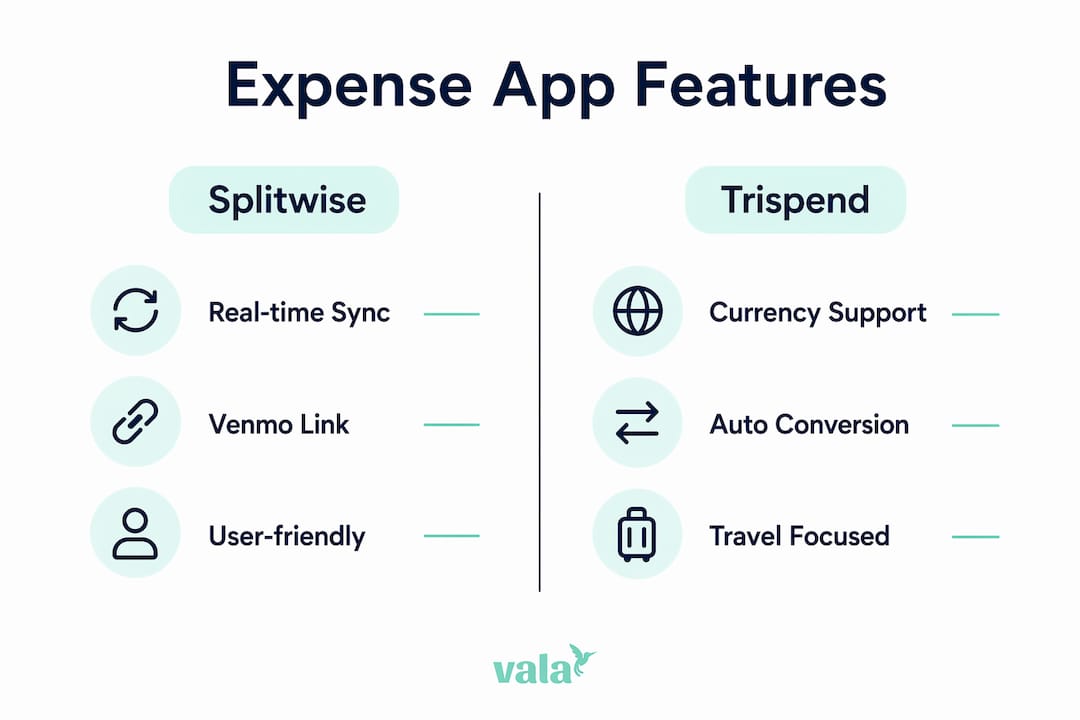
Pro Tip: If your group travels internationally, Trispend’s automatic currency conversion saves you from manually recalculating exchange rates after every purchase.
How do you set up an app to monitor group expenses step by step?
Getting a group expense app running takes less than ten minutes. The key is setting it up before the trip or event starts, not after the first bill arrives.
-
Choose the right app for your group. Small groups of two to four people can use any of the major apps. Larger groups or international travelers should prioritize Trispend for currency support or Splitwise for its payment integrations. Read the group expense tracking basics before committing to a tool.
-
Create a group and invite every member. Open the app, create a named group (for example, “Barcelona Trip 2026”), and send invite links to each person. Every member needs an account for real-time updates to work.
-
Add expenses immediately after they happen. Log the cost, select who paid, and choose a split mode. Apps that use real-time balance updates recalculate what everyone owes the moment you hit save. Waiting until the end of the day to log expenses is the single biggest cause of errors and disputes.
-
Choose the right split type for each expense. Use equal splits for shared meals where everyone ate the same. Use custom amount splits when one person ordered more. Use share-based splits for hotel rooms where some people stayed an extra night. Multiple splitting options exist because expenses rarely divide evenly in real life.
-
Monitor balances and act on notifications. Check the balance screen daily during a trip. When the app sends a reminder that you owe someone, settle it through the linked payment app right away. Letting small debts accumulate makes the final settlement feel much larger than it actually is.
-
Settle up at natural checkpoints. Do not wait until the end of a two-week trip to settle all debts at once. Settle after each major leg of the trip, such as after the hotel checkout or after a group dinner.
Pro Tip: Link Splitwise directly to Venmo so you can pay balances in one tap without switching between apps.
What are the common challenges when tracking group expenses in real time?
Even the best apps run into friction when groups are large, trips are long, or members are not consistent about logging expenses. Knowing these challenges in advance helps you avoid them.
-
Syncing delays when offline. Real-time apps require an internet connection to push updates. If someone logs an expense in a location with no signal, the update will sync once they reconnect. Always confirm that an expense has synced before assuming everyone sees it.
-
Disputes over unequal splits. Changing a split after the fact is possible in most apps, but it creates confusion if the original entry has already been seen by the group. Agree on split rules before the trip starts. For example, decide upfront whether shared taxis split equally or by number of stops.
-
Currency conversion errors. Groups traveling across multiple countries face rounding differences when exchange rates shift between the time an expense is logged and the time it is settled. Trispend handles this with real-time exchange rate conversion, but manual methods like spreadsheets do not. Well-designed apps also store money values as integer minor units (like cents) to prevent floating-point rounding errors in group balances.
-
Missed payments from unclear notifications. Not everyone checks app notifications with the same frequency. Use the app’s built-in reminder feature to send follow-up nudges. Apps like Divide-and-Conquer use automated reminder loops that recalculate balances after each expense and nudge the responsible payer until they settle.
-
Pending versus confirmed settlements. A common source of confusion is when someone marks a payment as sent but the recipient has not confirmed it. Good apps distinguish between pending and confirmed transactions in the balance view. This settlement state management prevents double-counting and keeps the group ledger clean.
Pro Tip: Schedule a mini settlement every two to three days during a long trip. Clearing small debts frequently keeps the final balance manageable and reduces the chance of anyone feeling blindsided.
Can you use spreadsheets to track group expenses collaboratively?
Shared spreadsheets are a workable option for small groups or one-time events when everyone is comfortable with Google Sheets. They are free, flexible, and require no app installation.
A basic group expense spreadsheet needs four columns: date, description, who paid, and total amount. From there, you add formulas to calculate each person’s share. Google Sheets supports SUMIFS and QUERY formulas for category totals and grouped summaries, and a simple division formula handles per-person splits automatically.
| Spreadsheet feature | What it does |
|---|---|
| SUMIFS formula | Totals expenses by category or person |
| QUERY function | Groups and summarizes data by date or payer |
| Per-person split formula | Divides total by number of members |
| Shared access (Google Drive) | Lets all members view and edit the same file |
The limitations are real. Spreadsheets do not send notifications when someone adds an expense. They do not remind anyone to pay. And they do not sync in real time the way dedicated apps do. Manual group tracking works best for groups of two to three people with a single shared event, like splitting rent for one month.
When your group has four or more members, multiple currencies, or ongoing expenses, a dedicated app beats a spreadsheet every time. The benefits of automated expense tracking become clear the moment you try to chase down a missing entry in a shared Google Sheet at the end of a trip.
Key takeaways
Real-time group expense tracking works best when every member logs expenses immediately, uses the right split mode for each purchase, and settles balances at regular intervals rather than waiting until the end.
| Point | Details |
|---|---|
| Log expenses immediately | Delays in logging cause errors and disputes that are hard to resolve after the fact. |
| Match the app to your group | Use Trispend for international travel, Splitwise for Venmo integration, and spreadsheets only for very small groups. |
| Use the right split mode | Equal, custom, and share-based splits each serve different expense types. |
| Settle in stages | Mini settlements every few days prevent large, stressful final balances. |
| Enable notifications | Automated reminders reduce missed payments without anyone having to chase the group. |
What I have learned from tracking group expenses the hard way
The biggest mistake groups make is treating the expense app as a record-keeping tool rather than a communication tool. Logging an expense is only half the job. The other half is making sure everyone in the group sees it, agrees with the split, and knows when they need to pay.
I have seen groups fall apart over $12 owed from a shared Uber three weeks ago. The debt was not the problem. The silence around it was. Real-time apps solve this by making the balance visible to everyone at all times, but only if every member actually uses the app consistently. One person logging everything while others ignore the app defeats the purpose entirely.
The tool you choose matters less than the habit you build. A group that logs every expense within five minutes of paying, checks balances daily, and settles at natural checkpoints will have zero money disputes. A group with the best app in the world but inconsistent logging will still argue at checkout. Pick a tool everyone is comfortable with, even if it is not the most feature-rich option. Adoption beats capability every time.
One more thing: do not skip the confirmation step. Apps that distinguish between pending and confirmed settlements prevent the classic “I sent you the money” misunderstanding. Always confirm receipt inside the app, not just via text.
— SaverStride
How Valapoint helps you split costs and stay on budget
Valapoint’s personal finance app is built for exactly this kind of group money management. It combines real-time expense tracking, equal and custom bill splitting, and budget monitoring in one place.
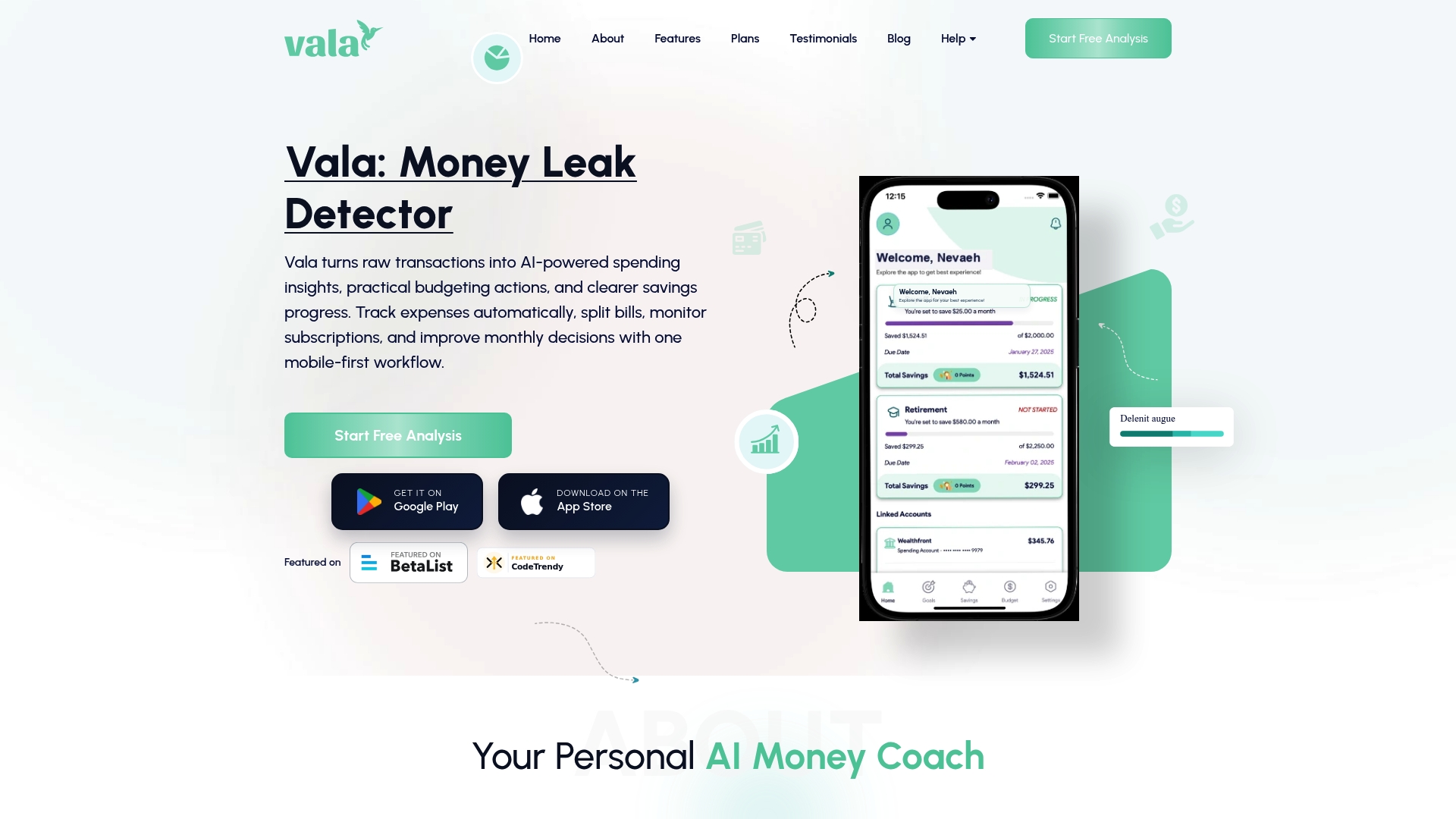
With Valapoint, you can create a group, log shared expenses, and see updated balances the moment anyone adds a cost. The bill split app supports equal splits, custom amounts, and percentage-based shares, covering every scenario from a group dinner to a two-week road trip. Reminders keep everyone accountable without you having to send awkward follow-up messages. If you want a single tool that handles both personal budgeting and group expense tracking, the Valapoint personal finance app is worth a look.
FAQ
What is real-time group expense tracking?
Real-time group expense tracking is the process of logging shared costs the moment they occur so that every group member sees updated balances instantly on their device. Apps like Splitwise, Trispend, and Divide-and-Conquer use live syncing to make this possible.
How do I split costs with friends fairly?
Choose a split mode that matches the expense. Use equal splits for shared items, custom amount splits when people spent different amounts, and share-based splits when contributions are proportional. Most group expense apps support all three modes.
What is the best app for tracking group travel expenses?
Trispend is the strongest option for international travel because it supports 150+ currencies with automatic real-time exchange rate conversion. Splitwise is better for domestic groups that want direct Venmo integration for fast settlements.
Can I track group expenses without an app?
Yes. A shared Google Sheets file with SUMIFS formulas and shared access works for small groups with simple expenses. The trade-off is no automatic notifications, no real-time sync, and no reminders, which makes it harder to manage for groups of four or more.
Is Tricount still free to use?
Tricount’s premium tier has been deprecated. The app now offers its full feature set without a paid subscription, making it a fully free option for group expense tracking.