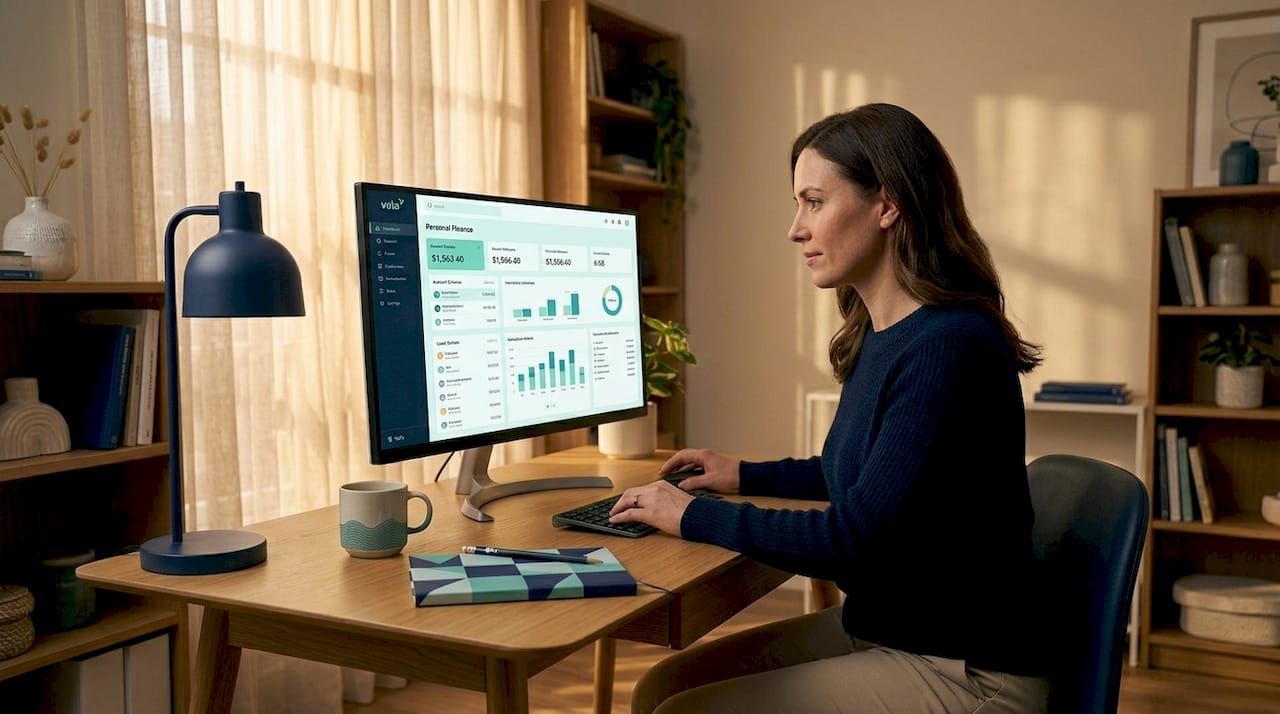
A personal finance dashboard is an account aggregation tool that pulls all your financial accounts into one real-time interface, giving you a clear view of your income, expenses, net worth, and savings goals. Think of it as your financial control center. Instead of logging into five separate apps to check your checking account, credit card, brokerage, and loan balances, a dashboard shows everything in one place. Tools like Valapoint, and newer integrations like ChatGPT’s 2026 personal finance experience, have made this kind of unified financial visibility accessible to anyone with a smartphone.
What is a personal finance dashboard and how does it work?
A personal finance dashboard is defined as a digital interface that aggregates all your accounts including checking, savings, credit cards, loans, and investments into a single real-time view. The industry term for this technology is account aggregation, and it runs on open banking APIs from providers like Plaid and MX. These APIs request read-only access to your account data, meaning the dashboard can see your balances and transactions but cannot move money or make purchases on your behalf.
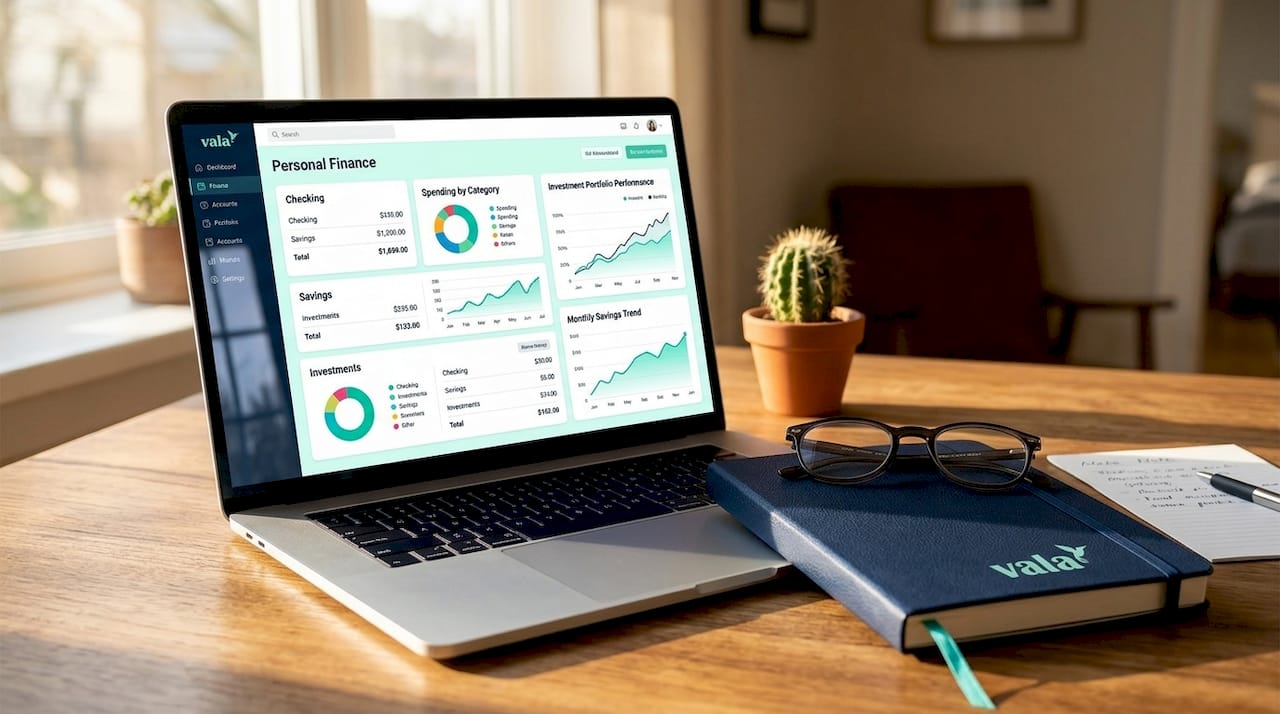
When you connect an account, your login credentials are stored securely outside the dashboard itself. The dashboard receives only a data feed. This is the same architecture that powers apps like Valapoint, which uses automation and real-time tracking to surface spending patterns you might otherwise miss.
Here is what a well-built personal finance dashboard typically shows you:
- Real-time account balances across all linked accounts
- Net worth snapshot: total assets minus total liabilities at this moment
- Cash flow summary: income received versus expenses paid over a selected period
- Debt tracker: current balances, interest rates, and payoff timelines
- Investment performance: portfolio value, allocation, and recent returns
- Spending categorization: AI-assigned labels like groceries, dining, and subscriptions
- Goal progress: savings targets, debt payoff milestones, and emergency fund status
Pro Tip: Connect your primary checking account and one credit card first. This gives you a meaningful snapshot without overwhelming the dashboard with data before you have tested its categorization accuracy.
How dashboards differ from budgeting apps and spending trackers
A personal finance dashboard and a budgeting app solve different problems, and confusing the two leads to frustration. A dashboard is a visibility layer. It answers the question: “Where do I stand right now?” A budgeting app is a decision-making tool. It answers: “How should I allocate my money going forward?” Both are personal finance tools worth using, but they serve distinct purposes.
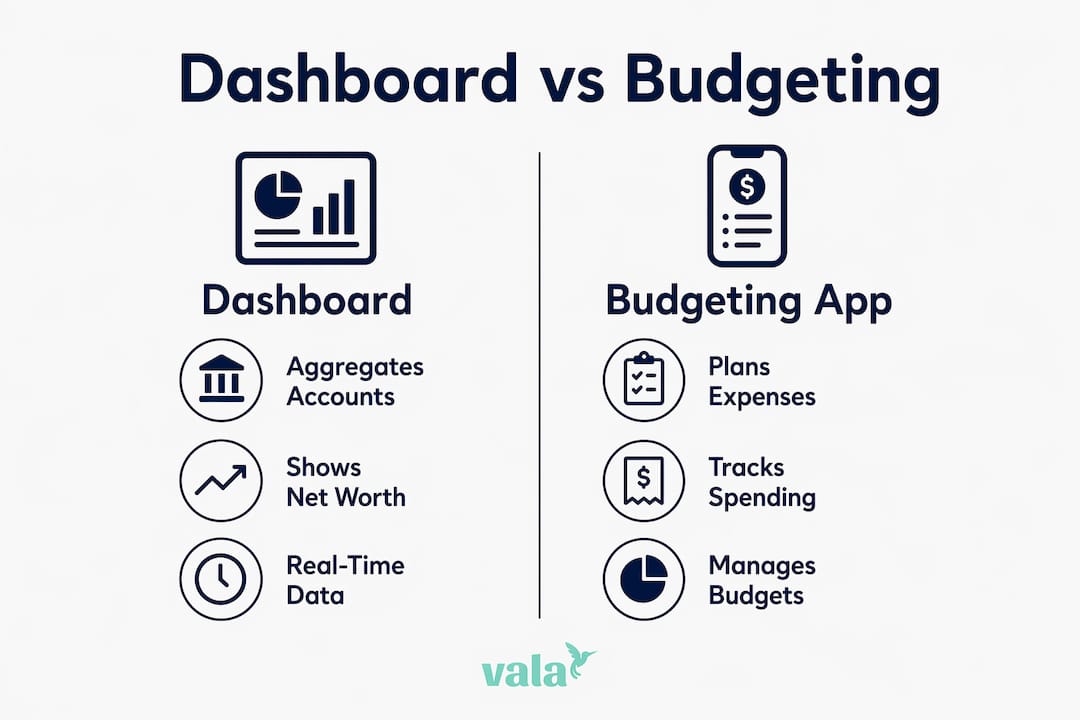
The clearest way to see the difference is through two financial metrics: net worth and cash flow. Net worth and cash flow are fundamentally different measures. Net worth is a stock metric. It captures your total assets minus liabilities at a single point in time. Cash flow is a flow metric. It tracks money moving in and out over a period. A dashboard that mixes these two without clear separation can mislead you into thinking you are financially healthy when your monthly spending is actually outpacing your income.
Here is a direct comparison to clarify the distinction:
| Feature | Personal finance dashboard | Budgeting app |
|---|---|---|
| Primary function | Aggregates and visualizes account data | Allocates income to spending categories |
| Key metric | Net worth and real-time balances | Budget vs. actual spending |
| Time orientation | Present state (right now) | Future planning (this month/year) |
| Account connections | Multi-account aggregation via APIs | Often manual or limited connections |
| Transaction initiation | Read-only, no transfers | Some apps support bill pay |
| Best used for | Financial health overview | Monthly spending control |
Dashboards and budgeting apps complement each other. The dashboard tells you what is happening. The budgeting app tells you what to do about it. Using both together gives you the full picture.
Privacy, security, and data control in personal finance dashboards
Data privacy is the most common concern people have before connecting their accounts to any dashboard. The good news is that the architecture is designed with read-only access as a core constraint. Most personal finance dashboards rely on read-only account aggregation and do not support direct money transfers or transaction initiation. Your dashboard cannot pay a bill, send a transfer, or make a purchase. It can only read data.
Plaid, one of the most widely used aggregation APIs, provides a consumer dashboard called Plaid Portal where you can view every app connected to your financial accounts and revoke access at any time. You are in control of which connections stay active. When you disconnect an account, data deletion follows within a defined timeline. For example, ChatGPT’s 2026 personal finance integration through Plaid deletes your data within 30 days after you disconnect your account.
Here are the key privacy practices to follow:
- Start with one or two accounts. Limiting initial connections lets you test categorization quality and privacy comfort before linking everything.
- Review connected apps quarterly. Use Plaid Portal or your dashboard’s settings to audit which services have access to your data.
- Check the data retention policy. Know how long a provider stores your transaction history after you disconnect.
- Avoid dashboards that request write access. Read-only is the standard. Any app requesting permission to initiate transactions deserves extra scrutiny.
Pro Tip: Set a calendar reminder every three months to log into Plaid Portal and review your active connections. Revoke any you no longer use. This takes five minutes and significantly reduces your data exposure.
How to create or choose the best personal finance dashboard for your needs
Choosing the right dashboard comes down to three factors: the accounts you need to connect, the metrics that matter most to your financial situation, and the quality of the user interface. A good fintech dashboard leads with the right primary metric for the user’s role, answering their most pressing financial question immediately. If your primary goal is tracking net worth growth, the dashboard should show that number prominently. If you are focused on cutting spending, cash flow and category breakdowns should be front and center.
Here is a practical setup process to follow:
- Identify your primary financial question. Are you trying to grow net worth, reduce debt, cut spending, or track savings progress? Your answer shapes which dashboard features matter most.
- Link your most active accounts first. Start with your primary checking account and your most-used credit card. These two accounts capture the majority of your daily financial activity.
- Evaluate categorization accuracy after one week. Check whether the dashboard correctly labels your transactions. Miscategorized spending distorts your cash flow picture.
- Add investment and loan accounts. Once you trust the categorization, connect your brokerage, retirement accounts, and any outstanding loans to complete your net worth view.
- Set at least one goal. Whether it is building a three-month emergency fund or paying off a credit card, a goal gives the dashboard a purpose beyond passive monitoring.
- Review the dashboard weekly. A dashboard that answers your key question immediately improves retention and usability. Make it a habit to check in every Sunday or Monday morning.
When evaluating the best finance dashboard apps, look for clear data visualization, accurate AI-powered categorization, and transparent privacy controls. Valapoint combines real-time expense tracking with intelligent spending pattern detection, making it a strong option for users who want both visibility and actionable insights in one place. For a broader comparison of options, the budgeting and tracking apps guide from Valapoint breaks down the top tools by use case.
Common pitfalls to avoid when using a finance dashboard
The biggest mistake people make with a personal finance dashboard is expecting it to replace a budgeting plan. A dashboard shows you what happened. It does not tell you what to do next. Without a separate budgeting practice, you end up with a clear picture of a problem and no system for fixing it.
Here are the most common pitfalls and how to avoid them:
- Mixing net worth and cash flow in the same decision. A high net worth does not mean you can afford to overspend this month. Keep these two views separate when making financial decisions.
- Connecting too many accounts too fast. Linking every account on day one floods the dashboard with data before you can evaluate its accuracy or privacy practices.
- Ignoring the dashboard after setup. A personal budgeting dashboard only delivers value if you check it regularly. Weekly reviews are the minimum effective frequency.
- Choosing a dashboard based on features alone. UI design matters. A dashboard that buries your most important metric three taps deep will not get used.
Pro Tip: Pick one primary metric to focus on each month. If you are paying down debt, make the debt tracker your home screen. Focused attention on one number produces faster results than monitoring everything at once.
Key takeaways
A personal finance dashboard delivers value only when you use it consistently, connect the right accounts, and pair it with a budgeting practice that turns visibility into decisions.
| Point | Details |
|---|---|
| Core definition | A dashboard aggregates all financial accounts into one real-time view using read-only API connections. |
| Dashboard vs. budgeting app | Dashboards show your current financial state; budgeting apps guide future spending decisions. |
| Privacy best practice | Start with one or two accounts, review connections quarterly, and use Plaid Portal to manage access. |
| Setup priority | Link your most active checking and credit accounts first, then evaluate categorization before adding more. |
| Avoid metric confusion | Keep net worth and cash flow views separate to prevent misleading financial interpretations. |
Why I think most people are using dashboards wrong
Most people set up a personal finance dashboard, feel a brief sense of control, and then stop checking it after two weeks. The problem is not the tool. The problem is the expectation. A dashboard is not a solution. It is a diagnostic. It tells you where the leaks are. You still have to fix them.
What I have found works is treating the dashboard as a weekly check-in ritual rather than a passive background app. The users who get the most out of financial visibility tools are the ones who pair them with a simple budgeting habit. The dashboard shows the pattern. The budget addresses it. Neither works as well without the other.
I am also more cautious about privacy than most guides suggest. Connecting every account to a new platform on day one is unnecessary. Start with one account, spend a week evaluating the categorization quality and the app’s data practices, then expand. This approach also gives you a much clearer read on whether the dashboard’s UI actually answers your most important financial question or just looks impressive in screenshots.
The AI-powered features in tools like Valapoint are genuinely useful when they surface patterns you would not notice manually, like a subscription you forgot about or a spending category that quietly doubled over three months. That kind of insight is where dashboards earn their place in your financial routine.
— SaverStride
Take control of your finances with Valapoint
If this article clarified what a personal finance dashboard can do for you, Valapoint puts those capabilities into practice. Vala is an AI-powered personal finance app that tracks your expenses in real time, identifies hidden spending patterns, and helps you set and monitor financial goals without requiring you to change your lifestyle.
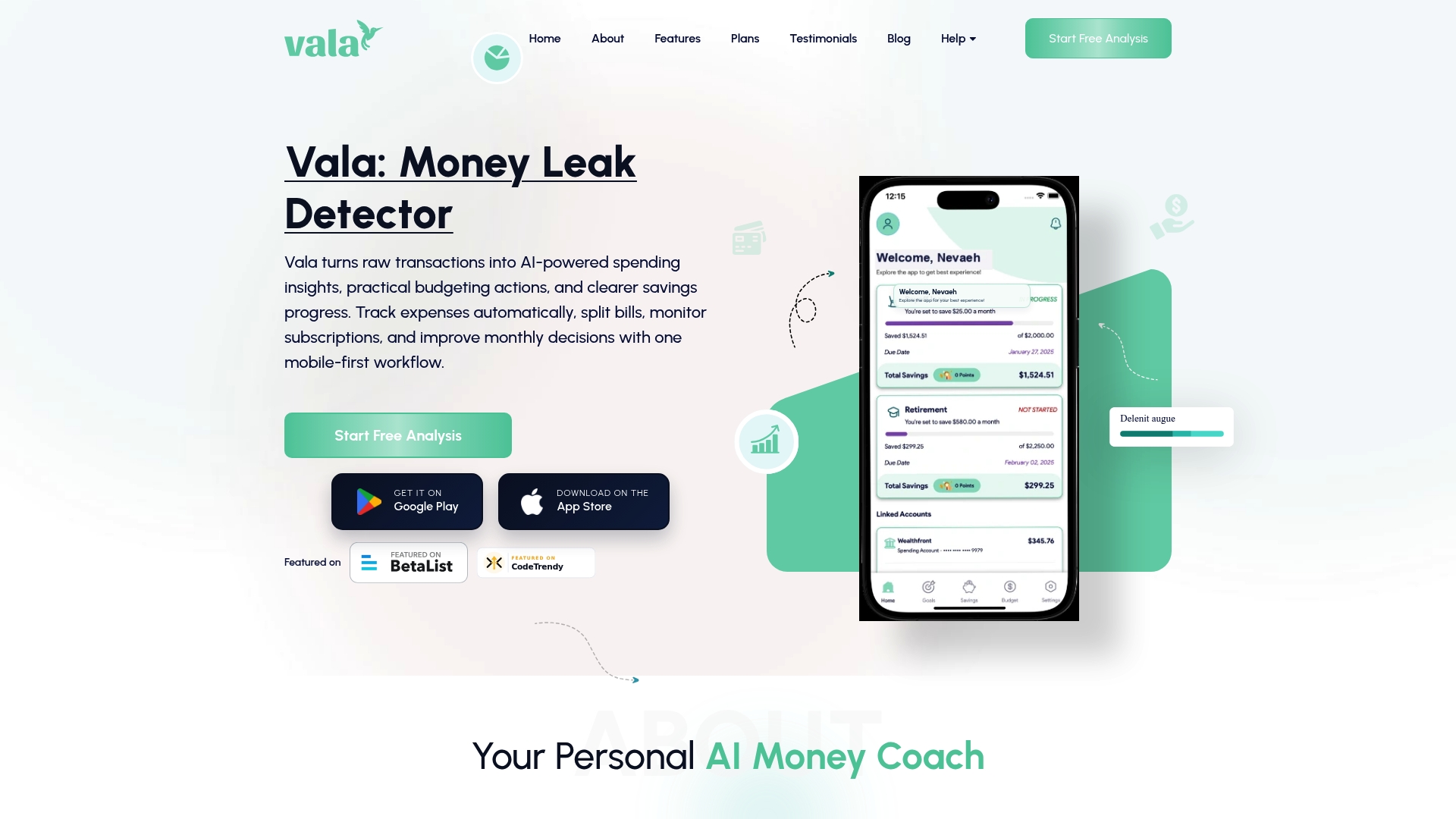
Whether you are tracking daily expenses, managing a shared budget with a partner, or trying to understand where your money actually goes each month, Vala gives you the clarity to act. The app combines real-time account tracking, intelligent categorization, and goal-setting tools in one place. Start tracking with Vala today and see your full financial picture in minutes.
FAQ
What is a personal finance dashboard?
A personal finance dashboard is an account aggregation tool that connects your checking, savings, credit card, loan, and investment accounts into a single real-time interface. It gives you a unified view of your net worth, cash flow, spending patterns, and financial goals.
Is a personal finance dashboard the same as a budgeting app?
No. A dashboard is a visibility tool that shows your current financial state across all accounts. A budgeting app is a planning tool that helps you allocate future income. The two complement each other but serve different functions.
Are personal finance dashboards safe to use?
Most dashboards use read-only API connections through providers like Plaid, meaning they can view your data but cannot move money. You can disconnect accounts at any time through Plaid Portal, and data is typically deleted within 30 days of disconnection.
How do I start setting up a personal finance dashboard?
Connect your primary checking account and one credit card first. Evaluate the dashboard’s categorization accuracy after one week before linking additional accounts like investments or loans.
What is the difference between net worth and cash flow in a dashboard?
Net worth is a point-in-time measure of your total assets minus liabilities. Cash flow tracks income and expenses over a period. A reliable dashboard keeps these two metrics separate to avoid misleading financial interpretations.