
Keeping personal finances organized without constant manual oversight is tough when apps either limit features behind subscriptions or lack real-time automation. Many personal finance apps restrict shared budgeting, real-time alerts, or advanced automation to premium plans that can strain tight budgets. This comparison lets you weigh free tier access, AI-driven insights, and cash advance options across the top four personal finance apps so you can pick one that fits your everyday money needs without unnecessary fees.
Table of Contents
Vala: Money Leak Detector
At a Glance
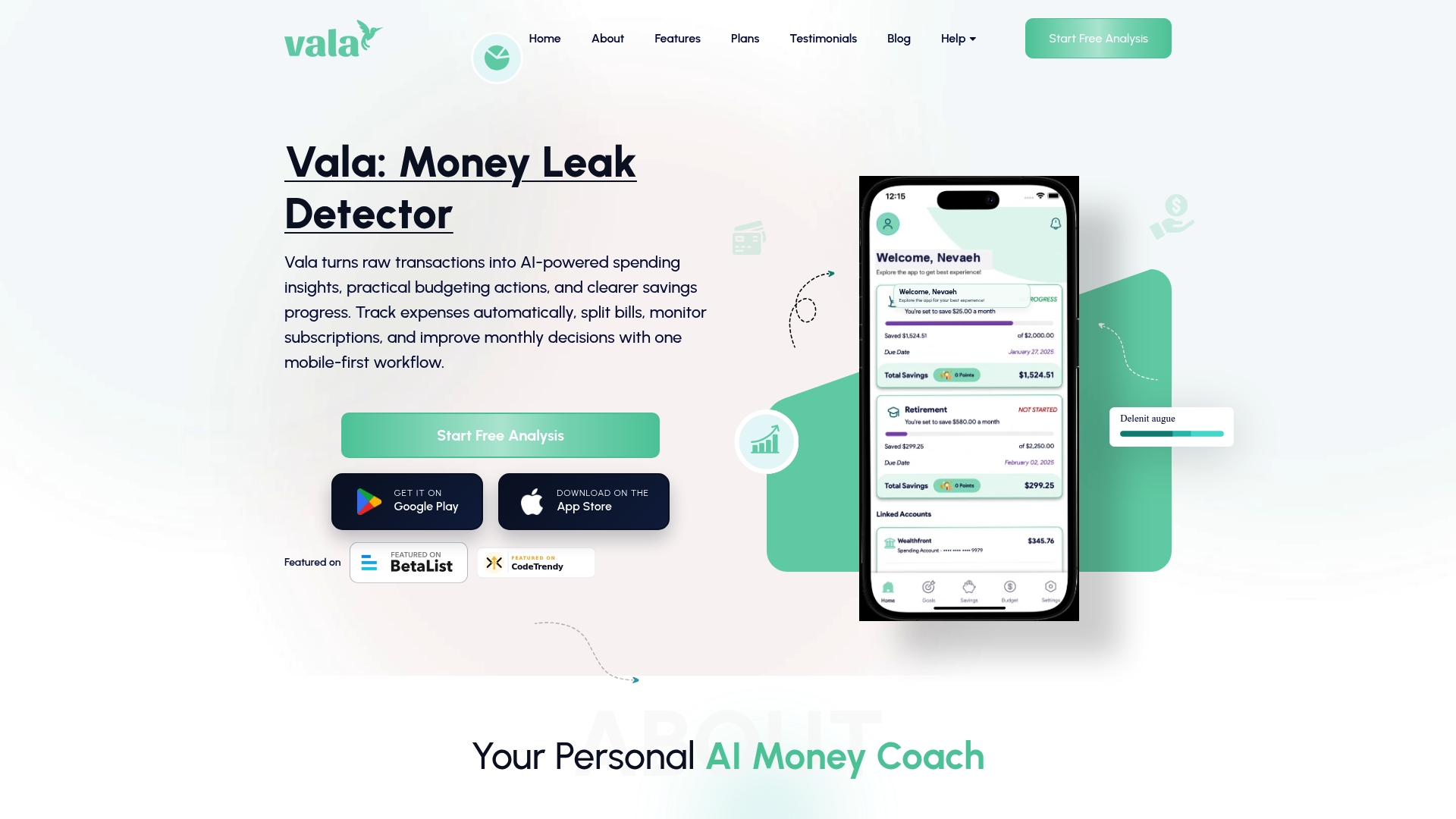
Vala turns transactions into budget moves by offering AI-powered, transaction-level insights that update your budget and savings suggestions as spending posts. The app is mobile-first and provides both a free starting plan and optional premium features inside the app.
Core Features
- AI-driven spending insights and budgeting suggestions that detect trends and recommend adjustments without manual rule building.
- Automatic expense categorization and trend analysis to show where recurring leaks live in your monthly cash flow.
- Bill splitting and shared expense management for couples, roommates, and small groups to keep shared budgets transparent.
- Recurring savings contributions and goal tracking that let you schedule transfers toward named goals.
- Secure bank account linking via encryption and trusted partners to give a fuller financial view and faster updates.
Key Differentiator
Vala’s edge is the real-time AI signals that map raw transactions directly to personalized budgeting and saving actions. Those signals do more than label purchases; they suggest where to trim and can route small amounts into recurring savings without manual intervention.
Pros
- Intuitive mobile design tailored for U.S. users makes day to day tracking quick and clear. The UI favors one-thumb flows and short onboarding.
- Shared budgets and bill splitting reduce friction for partners and families who previously tracked expenses in chat threads or spreadsheets.
- Timely alerts, reminders, and proactive suggestions nudge you to act on subscriptions or overspending before month end.
- Recurring goal planning links goals to behavior so small adjustments compound into visible progress over months.
- Flexible free and premium plan options let you try core features before committing to paid tools in the app.
Cons
- Some third-party reviews report intermittent stability issues with bank account linking and subscription payment automation, which can delay real-time insight reliability.
Who It’s For
U.S. individuals, couples, and families who want an AI-enhanced, mobile-first budgeting app that removes most manual categorization. Best for users who prefer automated suggestions and shared budgeting rather than heavy custom accounting.
Unique Value Proposition
Recurring savings contributions tied to transaction-level AI signals let the app act on small wins automatically. Instead of babysitting spreadsheets, you set goals once and let the app convert everyday spending patterns into steady savings without extra effort.
Real World Use Case
A young professional links checking and credit accounts, enables goal planning, and shares a household budget with a partner. Vala flags a recurring streaming trial, suggests pausing it, and redirects the saved $8 per month into a travel goal.
Pricing
Starts with a free plan that exposes core tracking, splitting, and basic AI suggestions. Optional premium features are available inside the app; exact premium details are shown during signup or within account settings.
Website: https://valapoint.com
Albert

At a Glance
Subscription plans range from $19.99 to $39.99 per month and include a 30-day free trial, making the pricing easy to test before committing. The vendor’s marketing materials describe an AI assistant called Genius and state Albert partners with FDIC-insured banks for deposit coverage.
Core Features
Albert groups a handful of money tasks into one app so you can budget, save, borrow, invest, and monitor identity risk without switching tools.
- Budgeting automation and insights that categorize spending and nudge savings.
- Savings goal and investment rules that sweep savings goal into portfolios or goals.
- Cash advances and line of credit for short-term liquidity when you need it.
- Identity protection and fraud alerts with monitoring and notifications.
Key Differentiator
The app leans on its AI assistant to act on your behalf. That assistant automates transfers, executes trades, and surfaces tailored guidance across budgeting, saving, and security, so tasks that normally take time can run with minimal input from you.
Pros
-
Smooth onboarding and daily usability. Many users find the interface intuitive and the guidance easy to follow which reduces the friction of regular money management.
-
Helpful short-term cash options. The cash advance feature provides quick access to funds for emergencies and integrates into the app workflow.
-
FDIC-insured deposits through partner banks give a familiar safety layer for users who prefer insured accounts rather than a standalone fintech bank.
-
Identity monitoring and fraud alerts add a protective layer alongside budgeting and investing features which keeps multiple concerns in one place.
Cons
-
Repayment and payment timing have drawn user complaints. Several reports describe confusing timing around cash advance repayments that can lead to unexpected balances.
-
Fees sometimes feel higher than expected. Users have cited subscription and transaction fees that strained tight budgets.
-
Reliability of some payment features is mixed. A subset of users report delays or difficulties withdrawing funds or managing subscriptions.
-
Community posts and forum threads contain warnings and skeptical accounts. Those anecdotal reports are worth reading before relying on advances.
When It May Not Fit
If you need guaranteed approval for short-term credit, this is risky because not all users qualify for cash advances or credit lines. Feature availability also depends on bank partnerships and can vary by location, so the app may behave differently where you live.
Who It’s For
Individuals who want an all-in-one personal finance app with active automation and an AI assistant. This fits people who value quick cash access, automated savings, and consolidated identity protection rather than piecing services together manually.
Real World Use Case
A user connects primary accounts, sets a savings goal, and lets rules move spare cash into an investment slice each week. When an unexpected bill arrives the app issues a small cash advance and shows repayment timing so the user can avoid overdraft fees.
Pricing
Monthly subscription tiers run from $19.99 to $39.99 with a 30-day free trial. Albert is not a bank and uses partner banks for deposit and payment rails, so membership fees sit alongside any transaction or advance fees you incur.
Website: https://albert.com
Pennyworth

At a Glance
No subscription fees power Pennyworth’s pitch while it combines account aggregation and automated planning for a single financial view. The vendor positions the app toward young UK professionals and middle managers who want goal-focused forecasting without a recurring charge.
Core Features
Pennyworth links multiple bank accounts and assets with account aggregation via open banking to present a consolidated balance and transaction view. It layers automated goal setting and savings planning so your targets update as your income or spending changes.
Wealth projection models estimate future net worth and retirement trajectories. AI-driven spending analysis surfaces trends and suggests specific adjustments to improve long term prospects.
Key Differentiator
The vendor states Pennyworth uses AI plus open banking to automatically project financial futures and recommend wealth growth strategies. That mix puts forecasting and suggested actions at the center rather than buried in reports. The emphasis is on predictive guidance tied to your live account data.
Pros
-
No subscription fees for core planning features. That lowers the barrier to entry for early career professionals building emergency savings.
-
Consolidates bank accounts and assets in one view so you stop toggling between apps to check balances and balances across lenders.
-
Automates plan updates when income or spending shifts. Your savings roadmap reshapes itself without manual recalculation.
-
AI-driven spending analysis highlights recurring leaks and suggests concrete adjustments. The suggestions are specific not generic.
-
Product positioning aimed at UK professionals means features and compliance are tailored to local banking standards.
Cons
-
Public information is sparse. Several pages on the vendor site are broken which makes feature specifics and integration lists hard to verify.
-
No third-party reviews or validation are available to corroborate claims or reveal real user experience at scale.
-
Early-stage product risks. Functionality may expand over time but the initial release could lack depth for advanced planners.
When It May Not Fit
If you live outside the United Kingdom Pennyworth’s open banking integrations may not work for your accounts. Teams that require audited security certifications or independent reviews before trusting aggregated financial data should wait for external validation.
Also avoid Pennyworth if you need enterprise grade reporting or custom export workflows from day one. The current public details suggest a consumer focus rather than a corporate toolset.
Who It’s For
Young professionals and middle managers in the United Kingdom who prefer an automated, no-fee way to model future wealth and set disciplined savings goals. Choose Pennyworth if you want forecasting tied directly to live accounts and prefer guidance over manual spreadsheet work.
Real World Use Case
A 30-year-old connects checking, savings, and a pension to Pennyworth, creates a three year down payment goal, and lets the app recalculate monthly savings targets after a raise. The app highlights subscription churn and redirects funds toward the goal so the user reaches the target faster.
Website: https://pennyworthfinancial.com
Brigit
At a Glance
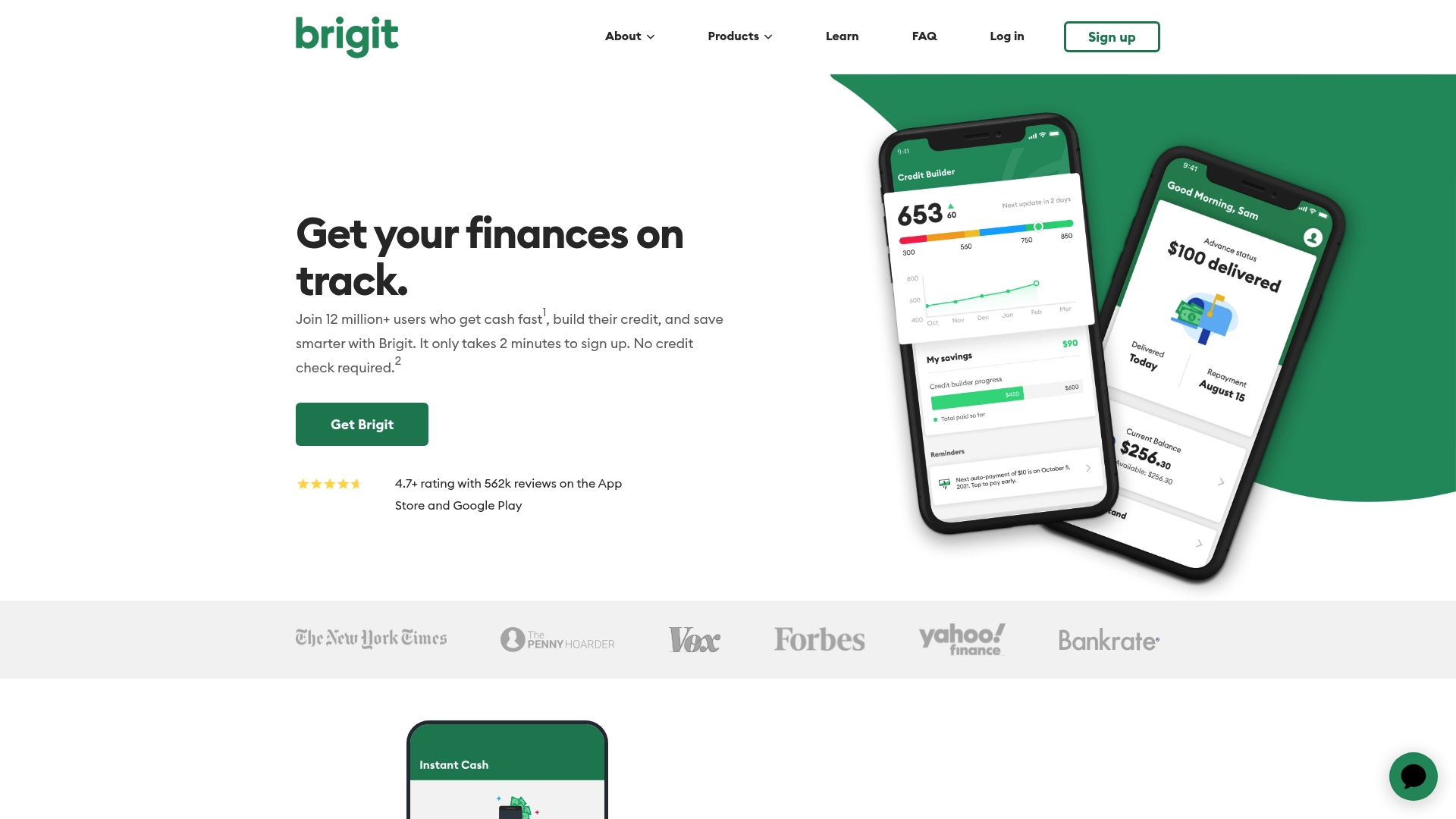
Brigit’s marketing materials advertise fast cash advances without a credit check and identity theft coverage up to $1 million, a combination aimed at preventing overdrafts while protecting users after a data breach. The app also markets credit building and real-time balance alerts as core conveniences.
Core Features
Brigit bundles short-term funding with daily finance tools so you can stop surprise overdrafts and monitor cash flow.
- Cash advances without credit check for emergencies. Fast access is the primary mechanism here.
- Real-time bank balance alerts and overdraft prediction to catch risky days before they happen.
- Credit building tools that report activity to bureaus without an upfront deposit.
- In-app discovery of side gigs and savings offers to boost income and reduce recurring costs.
Key Differentiator
The product pairs no-credit-check advances with budgeting signals and that identity theft coverage claim above. That mix targets users who need immediate liquidity and continued credit improvement from a single mobile app rather than separate lenders and credit services.
Pros
- Quick access to cash can prevent overdraft fees for users with irregular pay cycles. The speed of advances is a consistent highlight in reviews.
- Brigit’s budgeting prompts and balance alerts reduce surprise shortfalls and help you plan small, immediate fixes instead of waiting for pay day.
- The vendor advertises identity theft coverage up to $1 million, which adds a tangible safety layer when accounts or personal data are exposed.
- Mobile apps on iOS and Android keep core features in your pocket, including job and gig discovery that nudges you toward extra income.
- The subscription unlocks credit building tools without requiring an upfront security deposit, a distinct path for users rebuilding credit.
Cons
- Full functionality requires a paid subscription, and the fee can feel steep for people who only need occasional advances.
- Some users report slow repayment processing and occasional trouble connecting newer banks or credit unions to the app.
- Support response times can lag, which matters when you rely on the app for emergency liquidity.
- Not all advances and features are available in every state, so availability is fragmented.
When It May Not Fit
If you rarely need short-term cash, the monthly subscription can erase any cost benefit. If you require instant, guaranteed same-day deposits into every bank, Brigit’s reported delays and bank recognition gaps could make it unreliable for critical emergencies.
Who It’s For
People aged 18 to 45 who live paycheck to paycheck occasionally, want to avoid overdraft fees, and prefer building credit without a secured card. Ideal for mobile-first users who value fast access and in-app guidance over full-service banking relationships.
Real World Use Case
A renter hits an unexpected $400 car bill three days before payday. They request an advance, use real-time balance alerts to shift subscriptions temporarily, and follow the app’s credit-building prompts over several months to improve their score while avoiding late fees.
Pricing
Brigit charges a monthly subscription ranging from $8.99 to $15.99 depending on plan and features. That fee unlocks advances, credit reporting tools, balance alerts, and the vendor’s identity protection offering.
Website: https://hellobrigit.com
Comparative Analysis
Selecting the most fitting personal finance app requires readers to weigh features, operational nuances, and pricing models across available options.
Balancing Automation and User Control
Vala’s strength lies in its AI-driven budgetary insights and automation, which deliver transaction-level savings adjustments and suggestions. Competing apps like Albert also employ automation; however, Albert integrates additional features like cash advances and identity protection, potentially appealing to users seeking a consolidated suite including these features. On the other hand, Brigit’s primary function focuses on providing quick liquidity and credit improvement tools, rather than broad financial oversight, catering to users in immediate need of financial relief.
Geographic and Fee-Model Differences
While Vala and Albert operate on subscription-based plans of differing tiers, Pennyworth leverages a no-fee approach tailored specifically to United Kingdom users. Here, Pennyworth integrates forecasting and goal-setting insights without cost barriers, making it suitable for UK residents prioritizing local regulation compliance and fee-free operations. Brigit varies slightly as it combines subscription and service charges for its specialized services.
Best Fit Scenarios
- For U.S.-based users prioritizing responsive AI-powered insights and collaborative household budget management, Vala offers tools.
- For those seeking a combination of liquidity support, identity protection, and automated investments, Albert consolidates these within one app, albeit with higher starting costs.
- For professionals in the United Kingdom desiring no-cost forecasting and tailored budgeting solutions, Pennyworth aligns with local needs and banking integrations.
- For users emphasizing rapid access to emergency funds alongside credit development, Brigit fulfills this focus effectively.
Our Pick: Vala
Vala stands as the top recommendation due to its focus on real-time AI insights specific to budgeting and savings, alongside collaborative management tools for household finances. Users not prioritizing shared budgets or automated savings may find value in comparing features of competitors like Albert for investments or Brigit for liquidity concerns.
Personal Finance App Comparison
Easily find the right app tailored to your financial management needs by comparing key features, user scenarios, pricing, and limitations.
| App Name | Core Feature/Use Case | Key Differentiator | Best For | Pricing | Notable Limitation |
|---|---|---|---|---|---|
| Vala | AI-driven budgeting insights | Transaction-level AI signals | U.S. individuals and families | Free plan with in-app premium | Occasional bank linking delays |
| Albert | All-in-one financial management | AI assistant executing tasks | Automation-preferred users | $19.99 to $39.99 per month | Confusing cash advance repayment timing |
| Pennyworth | Account aggregation and planning | AI project financial goals | UK young professionals | No subscription fees | Sparse public information about features |
| Brigit | Cash advances with credit tools | Fast access with identity protection | Paycheck-to-paycheck individuals | $8.99 to $15.99 per month | Limited feature availability in some states |
Discover a Smarter Alternative to Cushion.ai with Valapoint
If you are exploring cushion.ai alternatives to gain AI-powered expense management that goes beyond basic budgeting, Valapoint offers a fresh take on taking control of your money. Many users seeking effortless transaction-level insights and automated savings struggle with outdated manual categorizations or limited sharing features. Valapoint addresses these challenges by delivering real-time AI signals that spot spending leaks, update budgets, and automate small savings contributions without extra work.
Experience the difference with Valapoint:
- AI-driven personalized budgeting suggestions
- Transparent bill splitting for couples and groups
- Recurring goal planning tied directly to your spending patterns
Explore all features on Valapoint and start minimizing money leaks today. Import your accounts effortlessly and watch as your budget adapts dynamically while savings grow automatically.
Frequently Asked Questions
How does Valapoint automate savings contributions based on my spending?
Valapoint automatically routes small amounts into recurring savings based on its AI-driven signals derived from transactions. This unique feature allows users to set savings goals and automatically adjust their contributions without manual intervention, making saving easier and more intuitive. You can start building your savings effortlessly as you track your spending habits.
What is the difference between Valapoint and Brigit regarding cash advances?
Brigit offers cash advances without a credit check, making it a strong option for users needing immediate funds for emergencies. In contrast, Valapoint focuses on ongoing budgeting and savings suggestions and may not provide cash advances, making it better suited for long-term financial management rather than urgent cash needs. Consider using Valapoint if you’re looking for a comprehensive budgeting tool rather than short-term cash solutions.
Can I use Valapoint for shared budget management with my partner?
Yes, Valapoint includes features for bill splitting and shared expense management ideal for couples and small groups. This functionality helps keep shared budgets transparent and organized, significantly reducing the friction often experienced when tracking expenses. If you want a streamlined approach to manage joint finances, Valapoint is a suitable choice.
Does Valapoint support automatic expense categorization?
Valapoint automatically categorizes expenses through trend analysis, allowing users to see where their recurring financial leaks occur. This feature helps users understand their spending patterns without the hassle of manual entry, enabling better financial decisions. You can take advantage of this to identify and reduce unnecessary spending effortlessly.
What are the pricing options for Valapoint?
Valapoint offers a free starting plan that provides core tracking and budgeting features, with optional premium features available inside the app. This tiered pricing allows users to try essential tools before committing to any paid upgrades, providing a low-risk way to explore its functionalities.