
Tracking expenses and splitting costs with others while staying on top of savings goals takes too much time and manual effort. Most apps limit bill splitting, require manual categorization, or gate advanced forecasting and automation features behind paid plans or region restrictions. This comparison lists pricing, automation, and shared expense features across five apps so you can choose one that fits your money management needs without trial and error.
Table of Contents
Vala
At a Glance
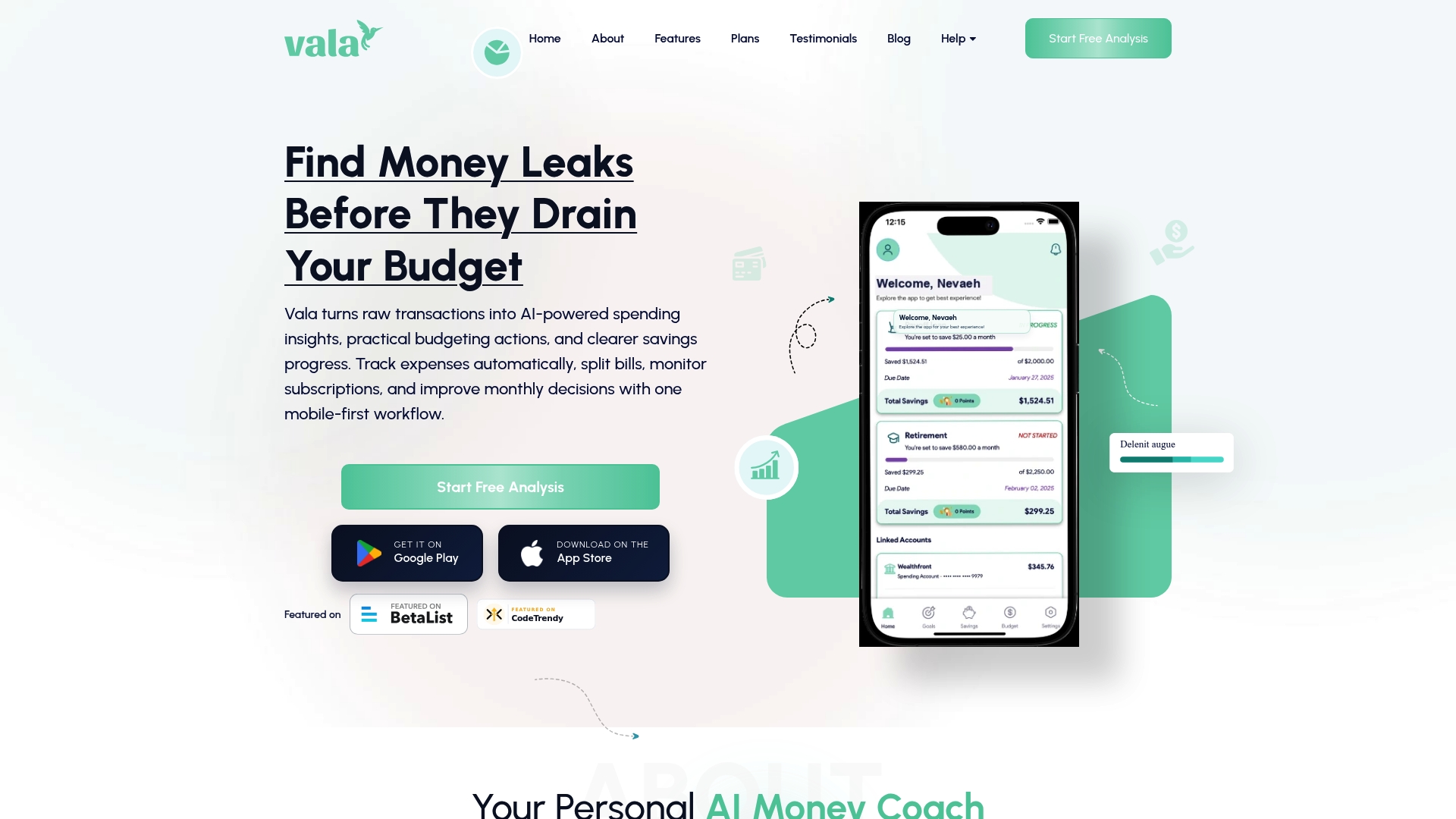
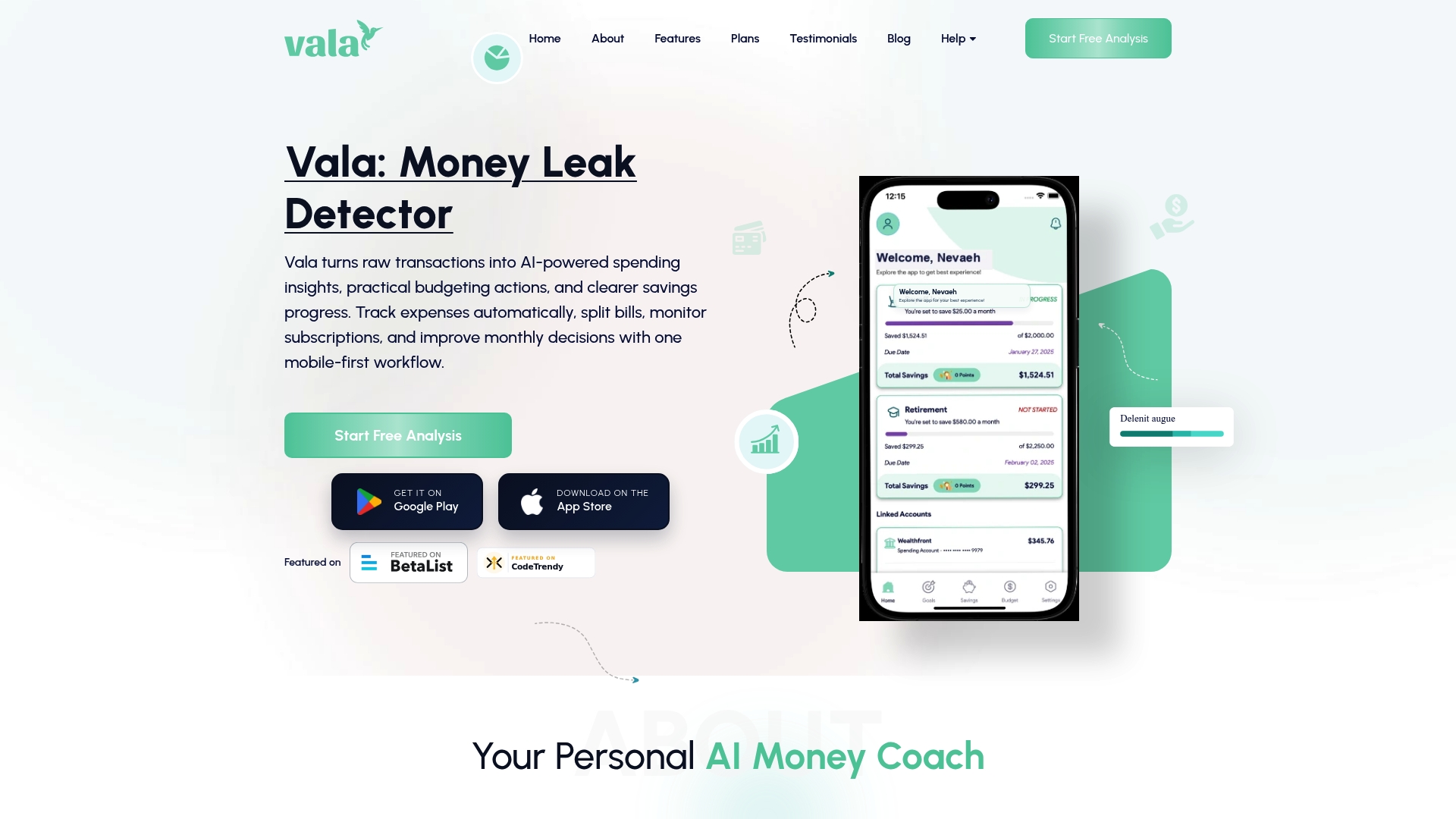
Automatic expense tracking, subscription monitoring, and built-in bill splitting work together in a single mobile first app. Vala uses AI to surface budgeting suggestions and spot spending trends. The app targets U.S. individuals, couples, and families who want clear daily money management.
Core Features
-
AI Coach App with real time budgeting suggestions that adjust to your income and habits. The coach gives short, actionable tips.
-
Automatic expense categorization and trend analysis so transactions arrive labeled and grouped for quick review. Categories update as your pattern changes.
-
Bill splitting for shared costs with partners or roommates. You can assign expenses and track who owes what.
-
Savings goal tracking with progress visualization to watch milestones and remaining amounts. Goals display clear progress and dates.
-
Secure bank account linking for transaction import so you see a full financial picture in one place.
Key Differentiator
The product pairs AI driven, actionable insights with first class support for shared expenses and goal tracking. That combination focuses on daily decisions and joint money management in a mobile first flow. For couples or families who share bills, this makes splitting and tracking routine costs straightforward.
Pros
-
Easy to use mobile first interface. The layout keeps daily tasks like categorizing and splitting fast.
-
Personalized AI insights for smarter spending. Suggestions adapt to your recent transactions and savings progress.
-
Shared budgeting features built for couples and families. You can compare individual and joint spending in one view.
-
Strong emphasis on security and privacy. Bank linking is positioned as secure and read only for transaction import.
-
Available in free and premium plans. You can start without paying and upgrade for deeper analysis.
Cons
- Limited international support. The app is primarily tailored for U.S. users and may not handle non U.S. accounts well.
Notable Integrations
Vala supports bank account linking for transaction import so your spending and subscriptions appear automatically. That connection is the primary integration for reconciling balances and generating trends.
Who It’s For
You if you live in the U.S. and want an easy, AI powered app for daily expense tracking. Couples and families who share bills will find the split and shared views useful. You should prefer mobile first tools over manual spreadsheets or complex accounting apps.
Unique Value Proposition
The AI Coach App delivers real time budgeting suggestions tied to live transaction data. That feature trims decision time by suggesting moves you can act on immediately. For households splitting costs, the coach plus shared expense tracking reduces back and forth about who paid what. The result is clearer progress toward savings goals without extra bookkeeping.
Real World Use Case
A couple links both bank accounts to Vala, assigns shared subscriptions, and splits monthly rent and utilities. The app reminds them about upcoming bills and shows savings progress for a planned trip. They use the AI coach to trim small recurring charges and speed up reaching their goal.
Pricing
You can start for free and test core features including tracking, splitting, and basic AI suggestions. A premium upgrade unlocks deeper insights and extended goal analysis for users who want more detailed recommendations. No per seat pricing details are published in the product data.
Website: https://valapoint.com
PocketSmith
At a Glance
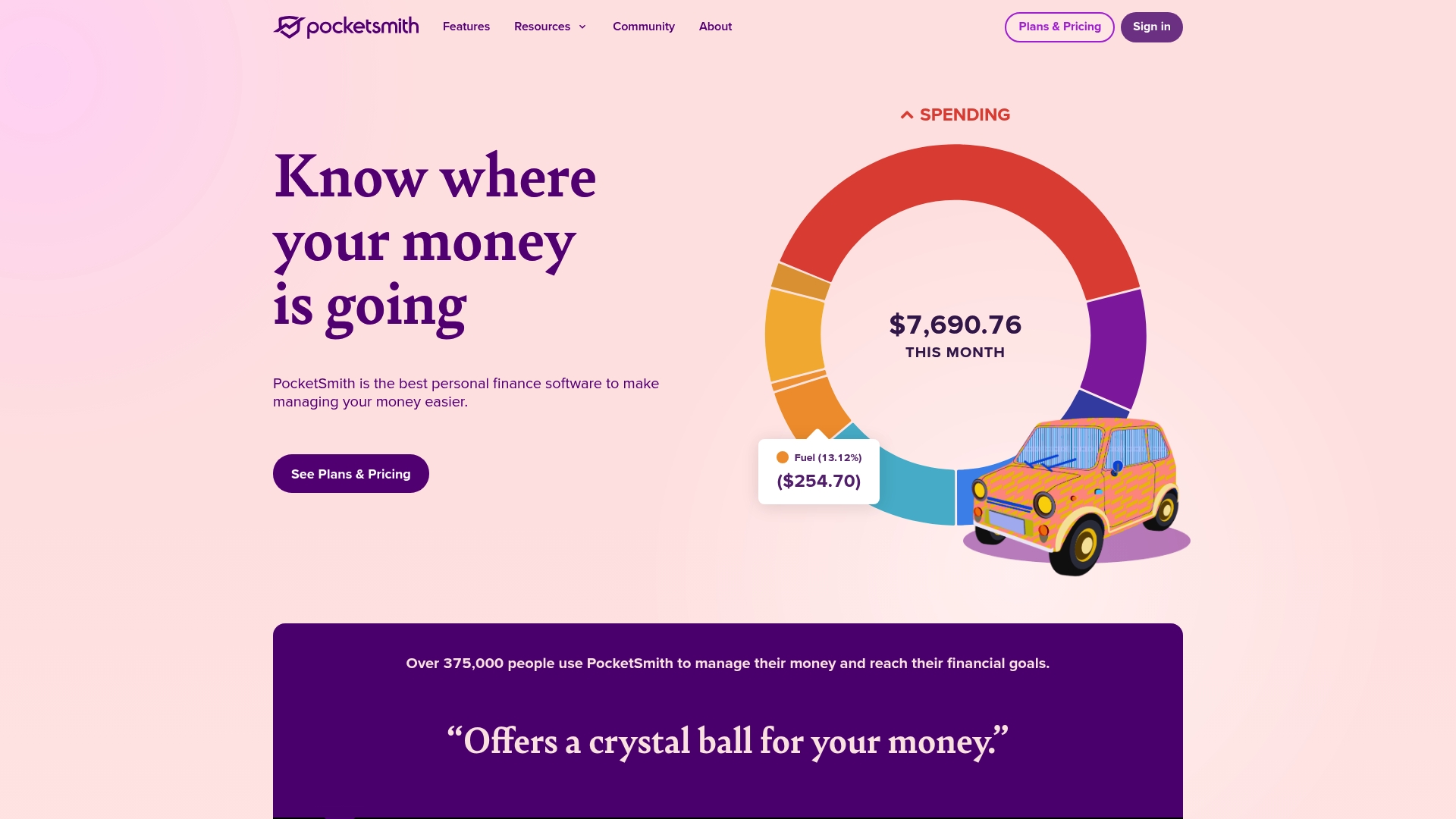
PocketSmith’s marketing materials state cash flow forecasting up to 60 years into the future. That long horizon aims to help you model retirement, big purchases, and legacy planning. The product pairs those forecasts with live account feeds and custom dashboards so you can check projected balances alongside current activity.
Core Features
PocketSmith offers automatic live bank feeds that let you pull transactions into one place. It supports multi currency accounts and global bank connections for people with finances across borders. You get transaction organization and search, plus custom dashboards and reports for income, expenses, and net worth. The platform also provides cash flow forecasting and a range of graphs that reveal future shortfalls or surpluses.
Key Differentiator
The standout claim is the extended forecasting horizon. PocketSmith emphasizes long term projection as the feature that separates it from ordinary budget trackers. That emphasis makes it useful when you want to plan decades ahead rather than only manage month to month.
Pros
- Offers detailed forecasting and planning tools beyond basic budgeting. The forecasts help you test what if scenarios for housing, education, or retirement.
- Supports accounts in multiple currencies and a wide range of bank connections. This matters if you hold accounts in several countries or currencies.
- Customizable dashboards and visualizations let you focus on the numbers that matter. You can build views for cash flow, net worth, or upcoming bills.
- Strong focus on security and data privacy. The vendor highlights active development and attention to keeping data safe.
- The interface balances depth and usability for people who want comprehensive finance tools. You get advanced features without enterprise complexity.
Cons
- Pricing may be a barrier for casual budgeters or those seeking entirely free tools. You can use a free plan with limits, but core features sit behind paid tiers.
- The interface and feature set can feel complex for users who only need simple tracking. It requires time to learn and configure for your situation.
- Integrations with non bank financial services are limited. That gap can create extra manual work for investments or third party accounts.
When It May Not Fit
If you only want a quick, no setup budget app, PocketSmith will likely feel heavy. Users who prefer one click simplicity or only occasional expense checks will find the learning curve too steep. Also, if you rely heavily on specialized investment or bill pay services, the limited non bank integrations may break your workflow.
Who It’s For
PocketSmith fits individuals and households who want forecast driven planning rather than just expense lists. It suits people preparing for long term goals, couples managing shared finances, and expatriates with accounts in multiple currencies. If you enjoy tweaking scenarios and visual reports, you will get value from this tool.
Real World Use Case
A small family uses PocketSmith to map monthly budgets, then projects savings for a home purchase over several years. They compare projected balances under different savings rates. That process gives them clear trade offs and a calendar for when their down payment target becomes realistic.
Pricing
Pricing starts at USD $9.99/month billed annually for the Foundation plan. There are higher tiers that unlock more accounts, longer forecasting options, and additional reporting. A free plan is available with limited features for casual users.
Website: https://pocketsmith.com
Era
At a Glance
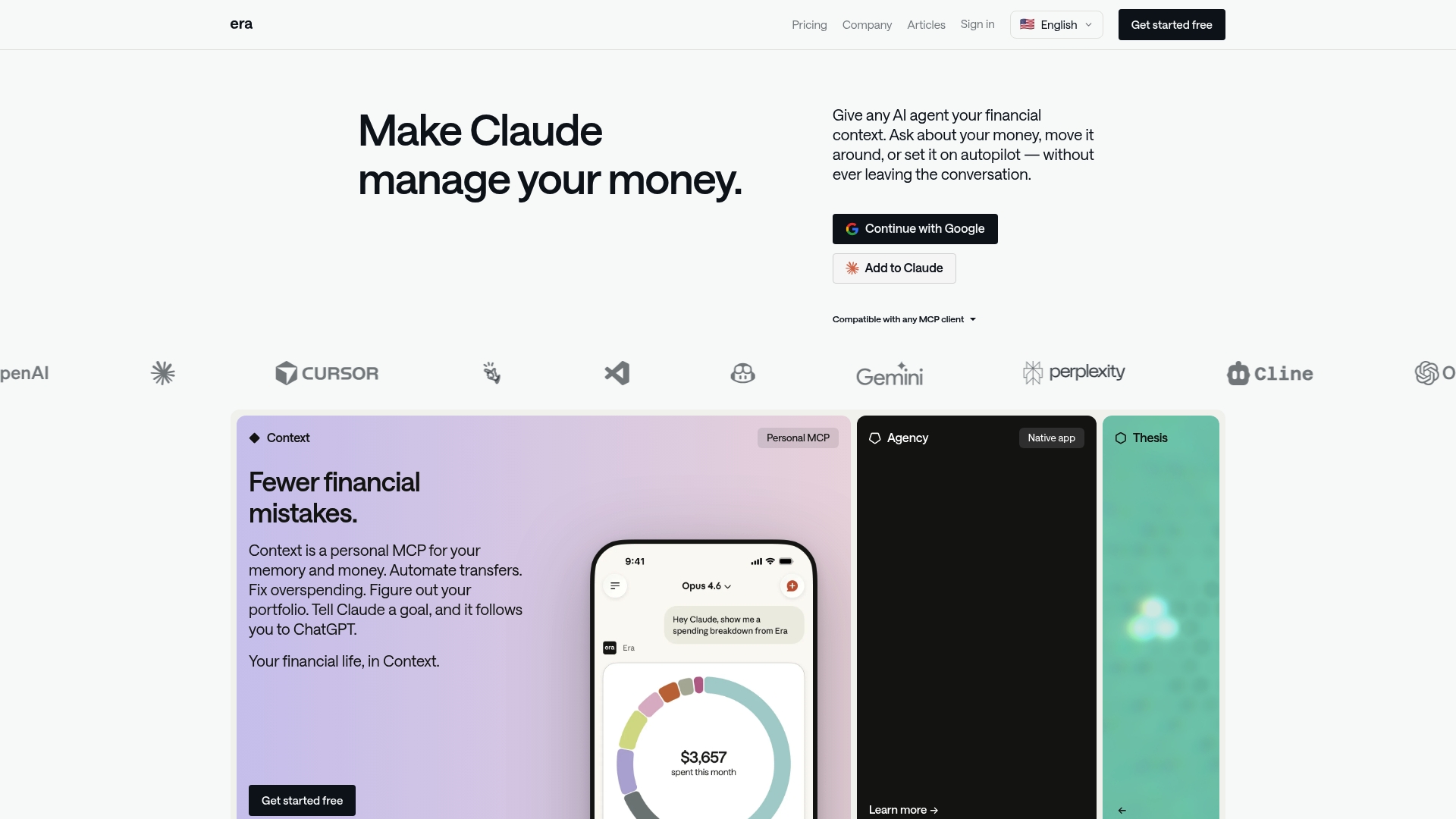
Era connects your accounts to any MCP compatible AI, letting multiple AI assistants read and act on your financial data. The platform groups that access under products named Context, Agency, and Thesis for data, proactive money management, and investment research. Era highlights privacy by stating it does not sell user data.
Core Features
- Connects financial accounts to AI assistants that support MCP, centralizing data for third party agents.
- Automates transfers and financial actions through AI driven rules and triggers.
- Provides proactive account monitoring and automated management via Agency.
- Offers investment research and trading support in Thesis.
- Uses bank grade encryption and multi aggregator integration for broad institution coverage.
Key Differentiator
Era uses open standards to let any MCP compatible AI connect to your finances. That means you can experiment with different AI agents while keeping a single, encrypted data layer. For users who want to mix and match assistants rather than lock into one vendor, Era makes that workflow possible.
Pros
-
Flexible AI support. You are not limited to one assistant because Era supports any MCP compatible AI.
-
Time saved on routine money tasks. The automation tools handle recurring transfers and basic bill actions.
-
Unified financial view. Era consolidates accounts and presents insights so you can see balances and flows in one place.
-
Privacy focus. The vendor states it does not sell user data and prioritizes secure storage and encryption.
-
Freemium entry. You can start with a free account and test basic features before moving to paid tiers.
Cons
-
AI dependency for full value. Many advanced behaviors require a compatible assistant to be useful.
-
Technical setup. MCP integration can need extra steps that may frustrate less technical users.
-
Feature rollout. Some automation features are still coming and are not available yet.
-
Paid limits. Higher automation capacity and advanced tools live behind paid plans.
When It May Not Fit
If you prefer an app that works fully without any external AI, Era may not be a good match. Users who want simple, hands off budgeting without setup will find the MCP connection adds complexity. Also, teams or households that need plug and play features with no learning curve may prefer a more conventional personal finance app.
Who It’s For
Era fits tech savvy individuals and investors who want AI driven automation tied to their accounts. It also works for small business owners who accept an initial setup step to gain automated transfers and proactive monitoring. If you enjoy testing different AI assistants, Era lets you switch agents without moving account data.
Real World Use Case
A freelance designer links bank and payment accounts to Context to track income and expenses automatically. They use Agency to watch incoming deposits and trigger transfers to a tax savings account. For investment decisions, they run short research queries in Thesis before placing trades.
Pricing
Free access is available for basic accounts. Paid plans start at $7.99 per month and scale up to $79.20 per month for higher automation capacity and advanced features.
Website: https://era.app
Splitwise
At a Glance
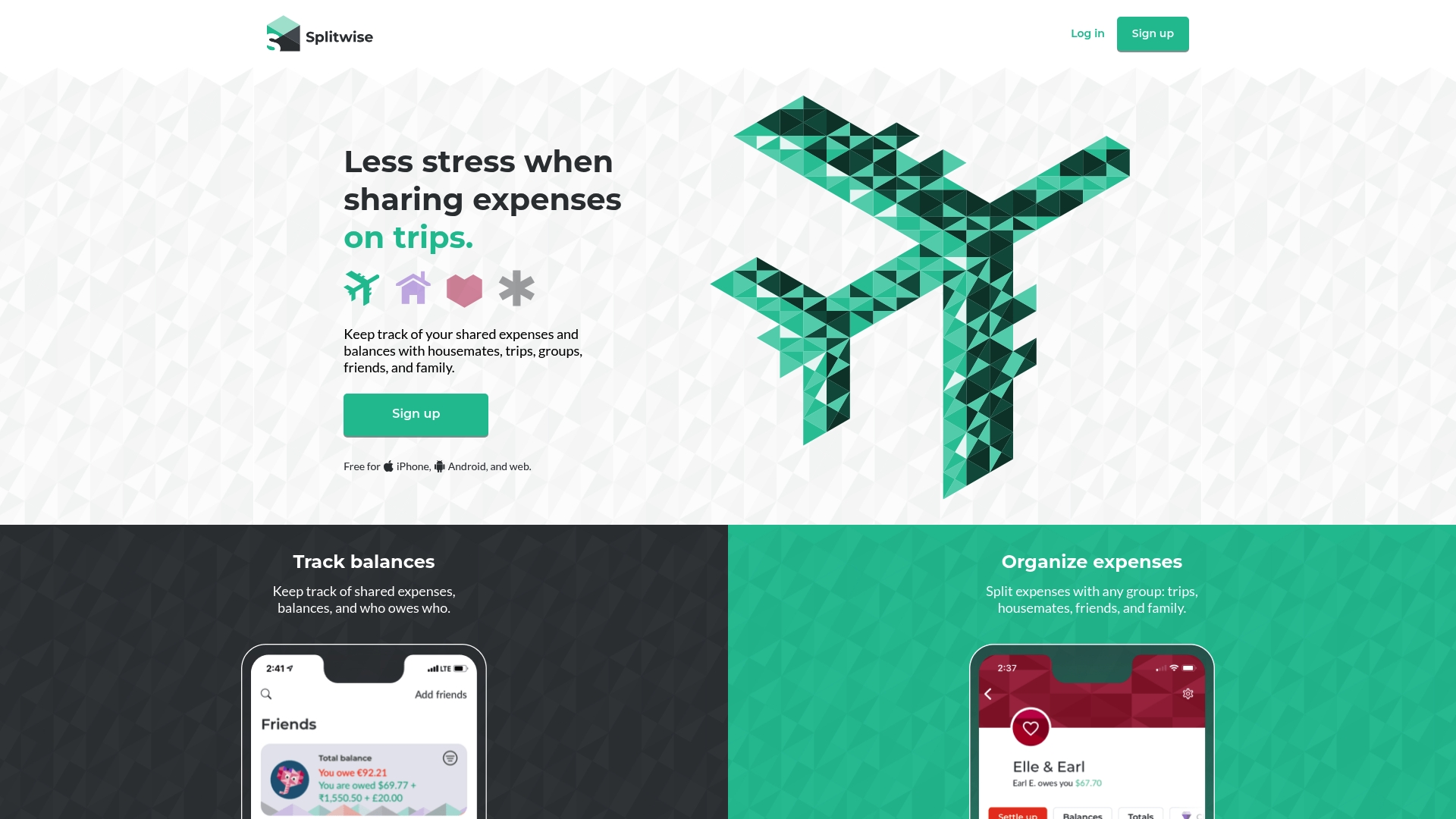
Splitwise includes built in payment options through Splitwise Pay and the Splitwise Card, which is unusual for an expense sharing app. The platform focuses on group balances and makes it simple to record who owes what. Basic split tracking is free, and optional paid features add receipt scanning and currency conversion. That mix makes it easy to use for casual groups and upgrade when needed.
Core Features
- Track balances and who owes whom across multiple groups. This keeps long running debts clear.
- Organize expenses by trips, housemates, friends, or family. Groups store shared history for later reference.
- Add expenses quickly on web or mobile. You can assign items to specific people as you go.
- Settle up via cash, online payment, or Splitwise Pay. The payment options reduce manual reimbursements.
- Receipt scanning and itemization, currency conversion, and expense insights are available in Splitwise Pro. Those features help when bills get complex.
Key Differentiator
Splitwise pairs traditional expense tracking with built in payment features for group settlements. That combination removes the extra step of asking for reimbursements after a trip or shared bill. The payment tools are most useful for US residents with bank access. For basic group tracking the free core features remain the main draw.
Pros
- Offers clear, focused expense tracking that makes shared balances easy to follow. The interface highlights who owes whom and reduces argument over totals.
- Group organization fits trips, roommates, and recurring household bills. You can keep separate ledgers for each social context.
- Receipt scanning and itemization in Pro help when bills split across items or people. That feature speeds up precise splits.
- Splitwise Pay and the Splitwise Card let groups settle without external apps. That can remove friction when people prefer in platform payments.
- Free core functionality covers most casual users. Tracking, adding expenses, and basic settlement do not require a subscription.
Cons
- Payment features have geographic limits and focus on US banking. That reduces usefulness for international groups wanting in app settlement.
- Advanced tools like transaction import and currency conversion require Pro and may not be available in all regions. Users outside supported areas will lack those features.
- Some users report bank connection trouble and possible transaction fees. Those issues can delay settlement or add unexpected costs.
- Pro subscription is required for several convenience features. Casual users must decide if the upgrades justify the cost.
When It May Not Fit
If most group members live outside the United States, Splitwise may not meet your payment needs. Groups that require automatic transaction imports or multi region currency support should check regional availability first. If you need built in time tracking or business billing features, this consumer focused app will feel limited.
Who It’s For
People who split costs regularly and want a lightweight, shared ledger. Roommates dividing rent and utilities will find the group tools useful. Travelers splitting trip costs get straightforward record keeping and optional in app settlement. Anyone who prefers simple, social expense tracking over accounting style tools will fit well.
Real World Use Case
A group of friends on vacation logs accommodation, rides, and meals as they spend. Each expense goes into the trip group with the payer and participants recorded. At trip end the group uses Splitwise Pay to settle remaining balances or the Splitwise Card for shared purchases, avoiding multiple bank transfers.
Pricing
Basic expense sharing is free and covers tracking, groups, and manual settling. Splitwise Pro is a paid subscription that adds receipt scanning, currency conversion, and detailed analytics. Payment processing and card use may carry separate fees depending on banks and locations.
Website: https://splitwise.com
tricount
At a Glance
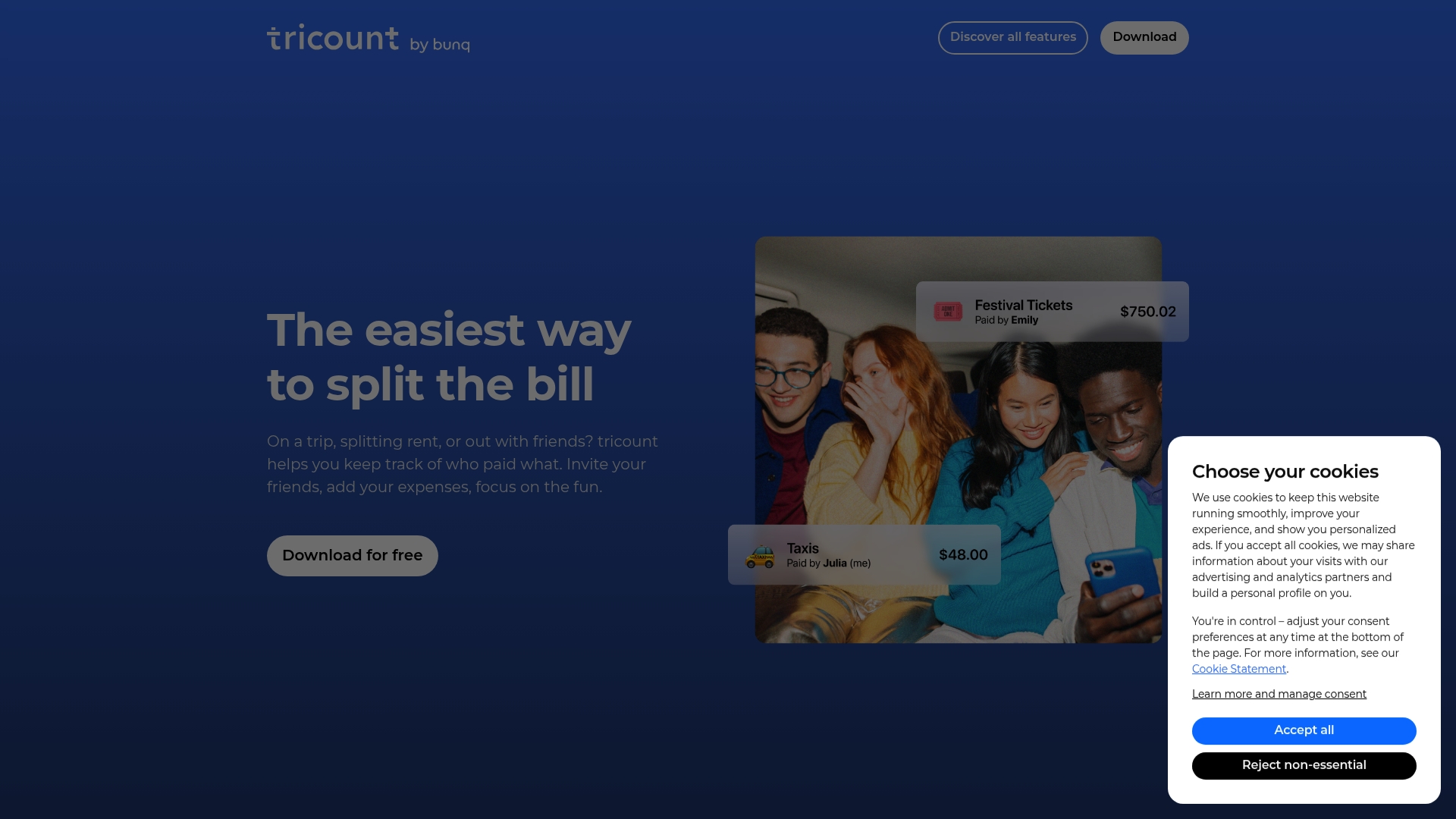
tricount reports that it is trusted by millions worldwide and that the app is 100 percent free. The standout claim here is that it handles group math for shared costs while converting currencies automatically. That mix of no cost access and built in currency conversion makes it a quick choice for travelers and mixed currency groups.
Core Features
- Group expense tracking and splitting with automatic calculations. This shows who paid, who owes, and suggested settlements.
- Multi currency support with automatic conversions so totals stay consistent across travelers or remote roommates. multi currency support appears throughout the app.
- Offline expense tracking and receipt photo sharing for times without reliable mobile service.
- Shareable expense links and real time group updates so everyone sees changes as they happen.
- Import existing expenses from other apps like Splitwise to avoid re entering past data.
Key Differentiator
tricount stands out for its focus on fair splitting and currency handling. The app pairs automatic calculations with currency conversion so you do not manually convert receipts. Its easy import from other expense tools shortens setup for groups that already track costs elsewhere.
Pros
-
Easy math for groups. tricount does the splits and shows a clear balance table so you do not need to do manual calculations.
-
Supports uneven splits. You can split by share, exact amount, or settle who covers specific items for fair results.
-
Import capability reduces setup time. If you tracked expenses in another app you can bring them into tricount rather than re enter everything.
-
Good for travel with currency conversion. The built in conversions save time when group members pay in different currencies.
-
Clear receipts and reports. Receipt photos and group statements make it simple to check any charge later.
Cons
-
Limited information about paid upgrades. The available content mentions free use but gives little detail on optional premium features.
-
Less deep categorization than some rivals. Users who need multi level expense categories or advanced tags may find the feature set thinner than other tools.
-
No built in payment rails. The app does not provide integrated payment processing for settling balances inside the app.
When It May Not Fit
tricount may not fit groups that expect bill paying inside the app or those that need advanced accounting categories. If you require integrated payment options to collect money, this product will leave a gap. Also power users who need granular tagging or multi layer reports may prefer a different tool.
Who It’s For
tricount suits friends traveling together, roommates splitting monthly bills, couples tracking shared purchases, and small project teams managing shared costs. It works well when you want quick, fair math, clear receipts, and automatic currency conversion without paying for a service.
Real World Use Case
A group of six friends uses tricount on a weeklong trip. One person pays the hotel in euros and another buys attraction tickets in local currency. tricount converts those entries, updates the group in real time, and attaches photos of each receipt. After the trip everyone sees what they owe and can settle up outside the app.
Website: https://tricount.com
Comparison of alternatives
When selecting a personal finance management tool, users should consider the diverse features offered by alternatives like Vala, PocketSmith, Era, Splitwise, and tricount. Each platform shines in specific areas perfect for different contexts and preferences.
Customization and AI-driven insights
Vala introduces its unique AI Coach App, which interprets live transactions to provide budgeting advice. This feature helps users track and optimize daily spending intuitively. Era, by allowing integration with multiple AI systems, facilitates dynamic and automated financial behavior, presenting an opportunity for users interested in leveraging diverse technologies. Conversely, Vala simplifies financial management with its ready-to-use AI insights, favoring users who prefer a low-effort experience.
Expense sharing and group dynamics
Splitwise and tricount focus on simplifying cost splitting, and each offers functionalities like automatic settlement and multi-currency conversions, respectively. Splitwise even provides a proprietary payment system for reimbursement handling. In contrast, Vala complements its offerings with tools for financial tracking tailored for households and partnerships, bridging individual and joint expense monitoring efficiently.
Long-term financial planning
PocketSmith excels in projecting finances decades into the future. Ideal for individuals targeting retirement planning or significant purchases, the extensive forecasting tools offer depth. While Vala facilitates immediate and mid-term financial tracking, it’s important to recognize PocketSmith’s unique value in proactive future-proofing for larger financial goals.
Best fit
- For households or families prioritizing collaborative budgeting with immediate AI-driven insights, Vala provides an intuitive and secure solution.
- For individuals seeking detailed forecasting for retirement or other significant future milestones, PocketSmith offers tailored tools.
- For those handling shared expenses while traveling internationally, tricount stands out with its automatic currency conversion capabilities.
- If AI-powered financial setups appeal, especially with flexibility in assistant integration, Era fits well.
- For users desiring a straightforward group cost-sharing solution with native payment options, Splitwise holds strong advantages.
Our pick
When emphasizing AI-driven automation with daily expense insights alongside cohesive capacity for shared financial management, Vala emerges as a compelling option. It is especially suitable when immediate recommendations based on live data are desired. However, for purely long-term planning endeavors or international group contexts, exploring PocketSmith or tricount may better align with specific needs.
When choosing a budgeting platform, consider options that combine robust features with personalized insights to best support your financial goals.
| Product | Core Feature | Key Differentiator | Pricing | Notable Limitation |
|---|---|---|---|---|
| Valapoint | AI-driven real-time financial insights | Focus on shared expenses and savings tracking | Free; Premium tier available | Limited support for international accounts |
| PocketSmith | Long-term cash flow forecasting | 60-year financial projection capabilities | Starting at $9.99/month | Complex setup for casual users |
| Era | MCP-compatible financial integration | Flexibility to use multiple AI assistants | Starting at $7.99/month | Integration requires technical setup |
| Splitwise | Expense sharing and reimbursement | Built-in payment options like Splitwise Pay | Free; Splitwise Pro available | Payment features focus on U.S. banking |
| tricount | Currency-converting shared expense tracking | Automatic group math and conversions | Free | No built-in payment features |
Discover a Smarter Way to Manage Your Money with Valapoint
Choosing the right app among budget-flow.app alternatives can feel overwhelming. If you want a tool that goes beyond basic tracking and helps you split shared bills, automatically categorize expenses, and offers AI-driven budget suggestions tailored to your habits, Valapoint is designed just for you. Whether you’re managing finances solo or with a partner, Valapoint brings clarity and control to everyday money management.
Take control of your financial habits today. Visit Valapoint to start tracking expenses, splitting costs, and uncovering savings opportunities with the confidence that your money is working smarter. Get started with personalized insights and real-time updates that help you save more without extra effort.
FAQ
What budgeting features does Valapoint offer for daily money management?
Valapoint provides automatic expense tracking, subscription monitoring, and built-in bill splitting. These features work together to give you a clear financial overview and help you manage your daily expenses efficiently.
How does Valapoint compare to PocketSmith in terms of forecasting capabilities?
PocketSmith excels at cash flow forecasting, allowing projections up to 60 years into the future, which is beneficial for long-term planning. Valapoint, on the other hand, is better suited for individuals looking for real-time budgeting suggestions tailored to their current financial habits and income.
Which platform is easier for couples managing shared expenses, Valapoint or Splitwise?
Valapoint provides shared budgeting features that allow couples to track individual and joint spending in one view. While Splitwise focuses primarily on splitting costs, Valapoint enhances the shared experience with automated budgeting insights that adapt to each user’s financial data.
Does Valapoint support multiple currencies for users with international accounts?
Valapoint is primarily tailored for U.S. users and may not handle non-U.S. accounts effectively, making it less suitable for individuals managing finances in multiple currencies. For those needing multi-currency support, exploring other options like PocketSmith could be beneficial.
Can I track savings goals with Valapoint?
Valapoint includes savings goal tracking with clear milestones and visual progress indicators, helping you monitor your savings journey effectively. This feature ensures you stay motivated and on track to achieve your financial goals.